




Information is one of the most valuable assets a business owns. It can include customer records, employee files, contracts, financial reports, medical details, vendor agreements, passwords, and internal plans. When this information is handled poorly, it creates risk. That risk can lead to fraud, legal trouble, lost trust, operational delays, and financial loss.
Reducing data exposure is not only a technical issue. It is also a management issue, a workplace issue, and a process issue. Businesses lower their exposure when they build secure habits into everyday operations. The goal is simple: make sensitive information harder to access, misuse, lose, or steal.
Understanding What Data Exposure Means
Data exposure happens when information becomes available to people who should not have access to it. This can happen through a cyberattack, but it can also happen in ordinary ways. A printed file may be left on a desk. An old hard drive may be thrown away without being wiped. An employee may send a document to the wrong email address. A storage room may hold years of records with no clear controls.
Not every exposure is caused by criminal intent. Many incidents begin with simple mistakes. That is why strong security measures need to cover both digital and physical information. A business may have advanced software protections but still leave confidential paperwork in unlocked cabinets. That gap matters.
The first step is knowing what information the business collects, where it is stored, who can access it, and how long it should be kept. Without that basic understanding, it is difficult to protect anything well.
Creating Clear Information Handling Policies
Secure practices begin with clear rules. Employees need to know how to handle sensitive information from the moment it is created or received until the moment it is deleted or destroyed. A written policy gives people a standard to follow.
This policy should explain what counts as confidential information. It should also describe how records should be stored, shared, printed, transported, archived, and discarded. If employees are expected to guess, they will make different choices. Some may be careful. Others may take shortcuts.
A strong policy should be practical. It should not be so complex that no one follows it. For example, a business can require that printed customer records be placed in locked bins instead of regular trash cans. It can require that employee files be stored in restricted folders. It can set rules for using personal devices, cloud platforms, and removable drives.
Policies work best when they are repeated often. New hires should be trained early. Existing staff should receive reminders. Managers should model the behavior they expect from their teams.
Limiting Access to Sensitive Information
One of the most effective ways to lower data exposure is to limit access. Employees should only have access to the information they need to do their jobs. This is often called the principle of least privilege.
When too many people can open, edit, print, or download sensitive files, the risk increases. A mistake by one person can affect the entire organization. Limiting access reduces the number of possible failure points.
Access controls should apply to digital systems and physical spaces. A payroll employee may need access to compensation records, but a sales employee likely does not. A legal team may need contract archives, while a warehouse team may only need delivery documents. The same logic applies to filing cabinets, server rooms, storage areas, and document disposal bins.
Businesses should also review permissions regularly. Employees change roles. Contractors finish projects. Former staff members leave. If old access remains active, it becomes a hidden risk.
Training Employees to Recognize Everyday Risks
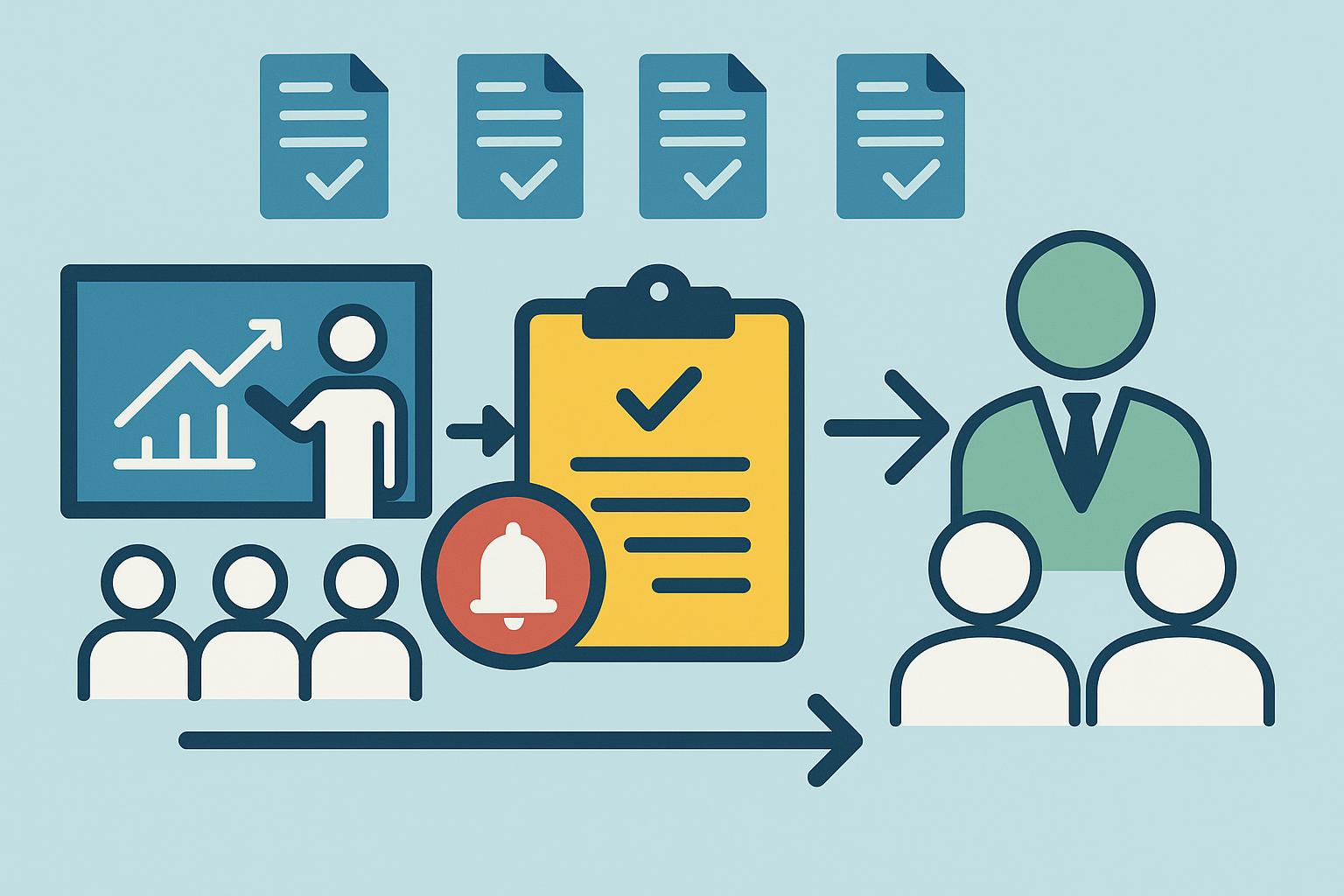
Technology can help protect information, but people still play a central role. Employees open emails, print documents, answer calls, approve requests, and move files. Their actions matter.
Training should teach employees how data exposure happens in daily work. It should cover phishing emails, weak passwords, unsafe file sharing, improper document disposal, and suspicious requests for information. It should also encourage employees to report mistakes quickly.
A practical training program uses real examples. For instance, an employee may receive an email that looks like it came from a vendor asking for updated payment details. Another may get a call from someone pretending to be an executive. These situations are common. Staff should know how to pause, verify, and escalate concerns.
The Federal Trade Commission provides business guidance on protecting personal information, which makes it a useful reference point for companies building basic security and privacy practices.
Training should not be treated as a one-time event. Risks change. Scams change. Business systems change. Regular refreshers help keep security in front of employees without overwhelming them.
Protecting Paper Records and Physical Documents
Many businesses focus heavily on digital security and forget about paper. That is a mistake. Paper records can contain the same sensitive information found in databases. In some cases, they may be even easier to misuse because they are not protected by passwords or activity logs.
Paper documents should be stored securely while they are needed. Locked cabinets, restricted file rooms, sign-out procedures, and clean desk rules can reduce exposure. Employees should avoid leaving confidential files in conference rooms, vehicles, printers, or shared workspaces.
Disposal is just as important as storage. Throwing records into regular trash creates an easy opportunity for theft. Businesses should use secure destruction procedures for documents that are no longer needed. As part of a broader information protection plan, companies may also consider Bay Area shredding services to destroy outdated records in a controlled, documented manner.
Secure shredding is especially useful for businesses that handle customer forms, medical documents, tax records, financial statements, employee files, or legal paperwork. It helps ensure that sensitive material cannot be reconstructed or read after disposal.
Managing Digital Security with Consistent Controls
Digital information needs strong protection across all systems. These protections do not have to be complicated, but they do need to be consistent. A business should use strong passwords, multi-factor authentication, secure networks, encrypted storage, and updated software.
Multi-factor authentication is especially helpful because it adds another layer of protection. Even if a password is stolen, an attacker may still be blocked from entering the account. This is important for email, payroll systems, customer databases, cloud storage, and financial platforms.
Software updates also matter. Outdated systems can contain security weaknesses that attackers already know how to exploit. Regular patching closes many of those gaps.
Backups are another important control. If data is lost, corrupted, or locked by ransomware, reliable backups can help the business recover. Backups should be tested, protected, and stored separately from main systems.
Reducing Risk Through Records Retention
Keeping information forever creates unnecessary exposure. The more data a business stores, the more it must protect. Old files can become a liability, especially when they contain personal, financial, or confidential details.
A records retention schedule helps solve this problem. It explains how long different types of records should be kept and when they should be destroyed. Some records must be kept for legal, tax, regulatory, or business reasons. Others can be safely removed after a set period.
Retention rules should apply to both paper and digital records. Emails, scanned files, hard copies, cloud folders, backup drives, and archived databases should all be considered. When information reaches the end of its useful life, it should be disposed of securely.
This approach lowers storage costs and reduces the amount of information that could be exposed during an incident.
Final Thoughts
Lowering data exposure requires steady attention. It is not solved by one policy, one software tool, or one training session. Businesses need a complete approach that covers people, systems, paper records, vendors, and disposal practices.
Secure practices help protect customers, employees, and the organization itself. They reduce the chance of costly mistakes and make it easier to respond when something goes wrong.
In the end, information risk is best managed through consistency. Know what you have. Limit who can access it. Train people well. Store records carefully. Destroy what is no longer needed. These basic steps can make a major difference.