




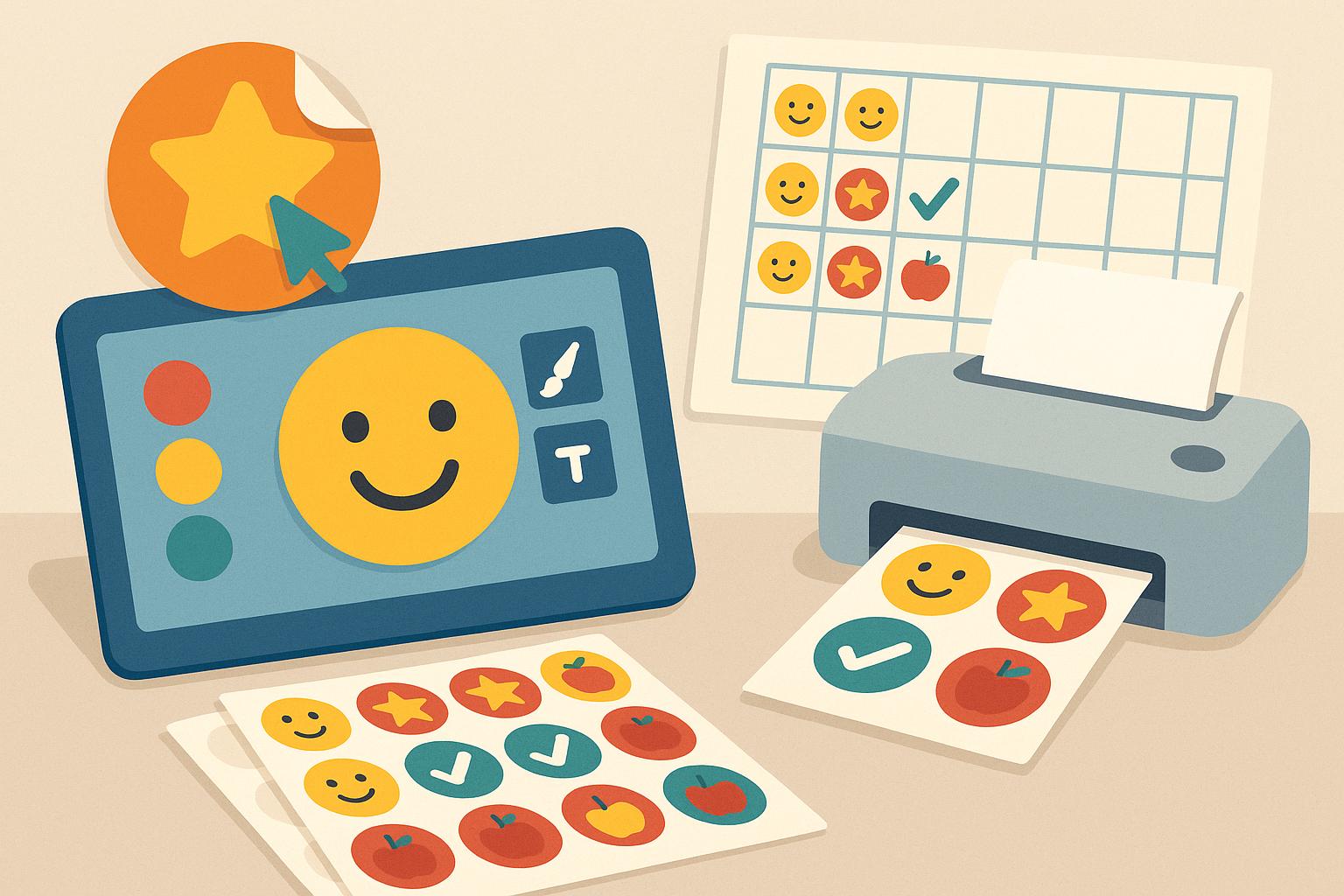
The best online sticker maker for a classroom reward chart lets you design themed stickers quickly, print them on sticker sheets, and reuse the designs all year. Adobe Firefly’s sticker generator creates custom designs from a prompt or photo, with white borders and transparent backgrounds, free with an Adobe account.
Reward charts work best when the stickers feel special. A generic gold star is fine, but a class mascot giving a thumbs-up, a dinosaur for every finished book, or a rocket that marks each completed math unit gets kids far more excited to earn the next one. The challenge for teachers is time and budget. You need a tool that turns an idea into a printable sticker in minutes, works in a browser on a school computer, and doesn’t require design experience. The good news is that several online options fit that bill, and they pair well with sticker paper you can print in the classroom or office.
How to Create Custom Stickers Online for Teachers
To create custom stickers online for teachers, start with a theme that matches your reward chart, such as space, animals, or seasons, and design a small set of stickers around it.
In Firefly, you can describe each sticker in a prompt, like “cartoon owl holding a pencil, bright pastel colors, white sticker border.” Adobe recommends terms like “white sticker border” and “transparent background” for sticker results. You can also upload a photo, such as your class pet, and use it as a reference.
Firefly can generate multiple variations of a character or theme, which makes it easy to build a matching set. Make one sticker for each milestone, or create a different version for each month. Free Adobe accounts include daily generations, so you can design a few stickers each day without paying.
How Do You Create Printable Stickers Online?
To create printable stickers online, design the artwork, download it in a print-friendly format, and lay it out on a sticker sheet template before printing.
Firefly downloads stickers as PNG files. Removing the background makes the image transparent, so each sticker prints cleanly without a white box around it.
Next, place your stickers on a layout that matches your sticker paper. Avery Design & Print is a free online tool built for this step. You can upload your own design or use its templates, then print at home or school on Avery label and sticker sheets.
Before printing a full batch, test one sheet on plain paper and hold it against your sticker sheet to check alignment. That small step saves sticker paper and prevents designs from being cut off at the edges.
Where Can You Design and Print Custom Stickers Online?
You can design and print custom stickers online with a mix of design tools and print services. The table below compares four options that work well for classrooms.
| Platform | Best for | Key details |
| Adobe Firefly | Original, themed sticker artwork | Create stickers from prompts or photos; background removal for transparent PNGs; Generative Fill for edits; free daily generations with an Adobe account |
| Avery Design & Print | Printing stickers at school on label sheets | Free online design software; upload your own design or use templates; print at home on Avery sheets; mobile version available |
| Canva for Education | Teachers who want templates and classroom collaboration | Free for teachers and students; premium templates and collaboration tools |
| Sticker Mule | Ordering durable, professionally printed sticker sheets | Upload artwork; online proof within a few hours; kiss-cut sticker sheets; free shipping in 4 days |
Many teachers design in Firefly, then print in-house for everyday rewards and order professional sheets for special milestones.
How to Design and Print Labels Online on Sticker Sheets
To design and print labels online on sticker sheets, match your digital layout to the exact sheet you’ll use. Label and sticker sheets come in many shapes and sizes, from small circles to full-page sheets you cut yourself.
Avery Design & Print lets you pick a template that matches your Avery product, so your designs line up with each label. Choose a sticker size that fits the squares on your reward chart, and leave a little space around each design so it isn’t trimmed off.
For die-cut sticker sheets ordered from a printer, check the available sizes first. VistaPrint, for example, offers die-cut sticker sheets in sizes starting at 2 x 2 inches, printed on 8.5 x 11 inch sheets, with quantities as low as 4.
FAQ
Can students use the Firefly sticker generator?
The Firefly sticker generator page asks users to confirm they’re 18 or older when uploading images, so it’s best suited for teachers designing stickers for the class. Students can still help brainstorm themes and characters.
What kind of sticker paper works best for reward charts?
Matte sticker paper is easy to write on and works with most classroom printers. Glossy paper makes colors pop but can smudge with some inkjet printers. Test a single sheet before printing a full set.
Can I reuse my sticker designs next year?
Yes. Save your PNG files in a folder by theme or month. Since they’re digital, you can reprint them anytime or adapt them for a new class mascot.