




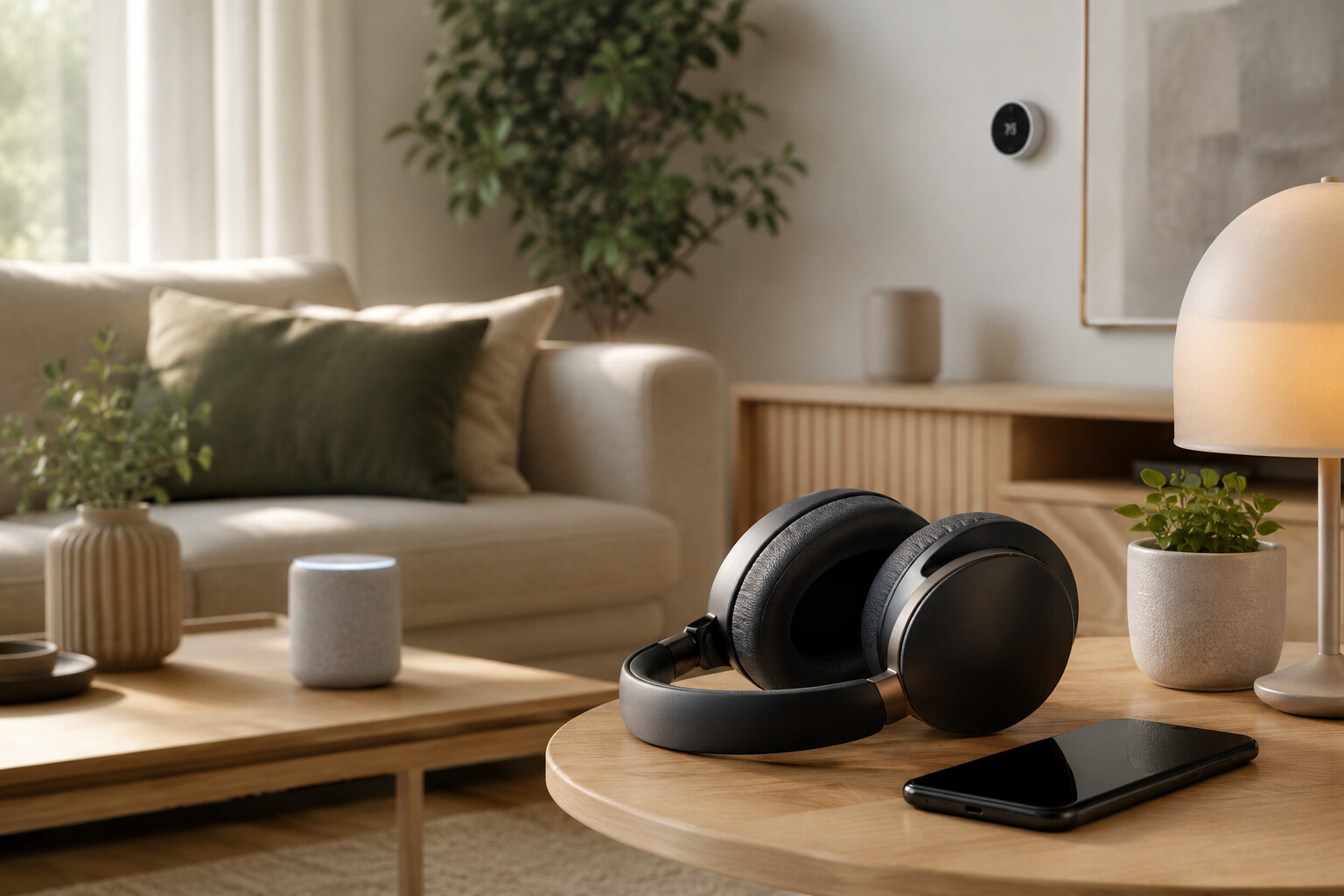
Building a connected home often involves products that use different wireless standards for different purposes. Smart home Matter devices and wireless headphones may operate within the same household, but they should not be treated as parts of one interchangeable system. Matter is designed for compatible smart home products, while most wireless headphones connect to phones, tablets, computers, televisions, or other audio sources through Bluetooth.
The Connectivity Standards Alliance describes Matter as an IP-based connectivity protocol for compatible smart home ecosystems. Depending on the product, Matter can operate over technologies such as Wi-Fi, Ethernet, and Thread. Bluetooth Low Energy may also be used during the process of adding a Matter device to a home network. However, using Bluetooth during setup does not mean that every Bluetooth product becomes a Matter device. The Alliance’s published Matter categories include products such as controllers, bridges, lighting, electrical devices, locks, HVAC controls, sensors, window coverings, and certain media devices; standard headphones are not listed as a supported Matter product category
Headphones use Bluetooth profiles and audio capabilities supported by both the headphones and the source device. The Bluetooth Special Interest Group distinguishes between Bluetooth Classic Audio and LE Audio, which are designed for wireless audio use cases. Feature availability depends on the specific products, operating systems, and supported Bluetooth functions.
These technologies can still contribute to one connected-home routine. A Matter-compatible light, thermostat, plug, or media device may be controlled through a supported smart home platform, while headphones can provide private audio from a connected television, phone, or computer. The devices may appear within related applications or household routines, but their connections and compatibility requirements remain separate.
Understanding this distinction helps shoppers read product specifications accurately. Buyers should look for Matter certification when purchasing compatible smart home devices and review Bluetooth audio support when choosing headphones. Recognizing the role of each standard can reduce incorrect compatibility assumptions and support a more organized connected-home setup.
: Checking Compatibility Before Buying Connected Devices
Compatibility should be verified separately when purchasing smart home Matter products and wireless headphones. A product may use familiar wireless terminology without supporting the platform, feature, or device that the buyer expects. Reviewing official specifications before checkout can reduce the risk of ordering equipment that requires an additional controller, application, adapter, or subscription.
For a Matter product, buyers should first confirm that the device is certified and carries the Matter mark. According to the Connectivity Standards Alliance, only Matter-certified devices are permitted to display the Matter logo. Buyers should also identify whether the product communicates through Wi-Fi, Ethernet, or Thread because the required home infrastructure may differ. A Thread-based product, for example, may require a compatible Thread Border Router within the selected smart home ecosystem.
The home platform also requires review. Matter supports connections across compatible ecosystems, but the available controls can depend on the device category, platform software, controller, and manufacturer implementation. A product’s basic Matter functions may be available through a smart home platform, while advanced settings may remain inside the manufacturer’s application. Buyers should review both the device listing and the platform provider’s compatibility information.
Headphone compatibility follows a different process. Buyers should confirm that the intended phone, computer, tablet, television, or media device supports the required Bluetooth audio functions. A general Bluetooth label does not confirm support for every codec, profile, multipoint function, low-latency mode, or LE Audio feature. These capabilities should be verified in the specifications of both the headphones and the audio source.
Physical and operating details also matter. Buyers can compare wearing style, charging connection, battery information, microphone support, device controls, application requirements, replacement accessories, and warranty terms. The Bluetooth SIG explains that Classic Audio and LE Audio use different Bluetooth radios and capabilities, so shoppers should not assume that every product supports both.
A clear compatibility checklist keeps the two purchasing decisions separate. Matter certification confirms participation in a supported smart home system, while documented Bluetooth audio support determines how headphones connect and operate.
: Setting Up Matter Devices and Wireless Headphones
A connected-home setup is easier to manage when smart home Matter products and wireless headphones are installed through separate, documented processes. Although both may use Bluetooth technology at certain stages, their setup goals are different. Matter commissioning adds a supported device to a smart home ecosystem, while headphone pairing creates an audio connection with a compatible source.
Before adding a Matter device, users should update the selected smart home application, controller, and mobile operating system when updates are available. They should also confirm that the home network, controller, and any required Thread Border Router are active. The device manufacturer’s instructions should be read before power is connected or physical installation begins, particularly for electrical, HVAC, lock, or permanently mounted products.
The Connectivity Standards Alliance states that Matter setup commonly uses a QR code or numeric setup code, with Bluetooth Low Energy helping the commissioning device discover and add the product. Setup may begin through the manufacturer’s application or a compatible smart home platform. Once commissioning is complete, users can assign the device to a room, select an understandable name, and review which household members or platforms have access.
Headphones should then be configured according to their own manual. The user can place the headphones in pairing mode and select them from the Bluetooth settings of a compatible phone, tablet, computer, television, or media device. Button sequences and indicator behavior vary by model, so instructions for another product should not be assumed to apply.
If the headphones support a companion application, users can review firmware updates, control settings, microphone permissions, and account requirements. Optional functions such as multipoint connections, equalizer controls, spatial audio, or LE Audio depend on support from the headphones, source device, operating system, and application.
After both setups are complete, each connection should be tested separately. A Matter device should respond through its authorized platform, while the headphones should receive audio from the intended source. Keeping setup codes, manuals, receipts, and warranty information organized can also simplify future troubleshooting without incorrectly treating Matter and Bluetooth audio as the same system.
Section 4: Creating Connected-Home Routines Without Confusing Device Roles
A household can use smart home Matter products and wireless headphones within the same daily routine even though they do not share the same connection method. The practical goal is to coordinate how the products are used rather than force them into one technical system. Matter devices can manage supported home functions, while headphones provide private audio from a compatible source.
A work-from-home routine provides one example. A user may activate Matter-compatible lighting or adjust a supported thermostat through a smart home platform before beginning work. The headphones can then connect separately to a laptop or phone for calls, music, or other audio. The lighting and temperature controls remain part of the Matter ecosystem, while the audio connection remains controlled by the source device and the headphones.
A similar arrangement can be used for entertainment. Matter-compatible lights or plugs may be organized into an evening scene through a supported platform. Headphones can connect to a television, streaming device, phone, or computer when those products support the required Bluetooth audio functions. Activating the smart home scene does not automatically guarantee that the headphones will connect, switch sources, or begin playing audio. Those actions depend on the headphones, source equipment, and available software features.
Clear device names can make household controls easier to understand. Matter products can be labeled by room and purpose, while paired headphones can use a recognizable name within each source device’s Bluetooth settings. Users should avoid assigning nearly identical names to several products because this may create confusion during control or troubleshooting.
Household access should also be reviewed. Smart home platforms may allow devices to be shared with family members, while headphone applications may contain separate accounts, permissions, and saved audio settings. Each service should be managed according to its own privacy and security options.
Connected routines should remain simple enough for household members to operate consistently. Testing one action at a time can reveal whether a problem comes from the Matter platform, the home network, Bluetooth pairing, or the audio source. By respecting the separate role of each technology, users can create coordinated routines without making unsupported assumptions about direct compatibility.
: Managing Privacy, Security, and Device Maintenance
A connected household requires ongoing management after installation. Smart home Matter products and wireless headphones may receive software updates, store account information, and remain connected to authorized devices or platforms. Reviewing these settings periodically can help users understand who has access, which services are active, and whether the equipment is operating as expected.
For Matter devices, users should keep the smart home platform, controller, manufacturer application, and device firmware updated when supported updates become available. Update methods can differ by product. Some devices may receive updates through the Matter ecosystem, while others may use the manufacturer’s own application or process. Automatic update settings, release notes, and notification options should be reviewed rather than assumed.
Access permissions are also important. Matter’s multi-admin capability can allow a compatible device to be shared across supported platforms. Users should review authorized household members, connected platforms, and remote-access settings. Access that is no longer required should be removed. Account passwords should be unique, and additional authentication options can be enabled when offered by the service provider.
Headphones require a separate review. Users can inspect the list of phones, computers, televisions, and other devices that have been paired with them. Unused connections can be removed according to the headphone manufacturer’s instructions. Companion applications may request access to Bluetooth, microphones, location services, notifications, or usage data. Each permission should be evaluated according to the feature being used.
Physical maintenance remains relevant. Charging ports, cables, ear cushions, headbands, cases, and control buttons should be cleaned or inspected using the methods stated in the product documentation. Damaged charging accessories or batteries showing unusual behavior should not continue to be used, and the manufacturer or an appropriate service provider should be contacted.
Before selling, returning, recycling, or giving away a connected product, users should follow the official reset procedure. The device should be removed from associated accounts, platforms, and saved Bluetooth lists where applicable. A factory reset alone may not remove every cloud-based association.
Keeping a simple record of devices, applications, accounts, and warranties can support maintenance and troubleshooting. Regular reviews allow users to manage the Matter ecosystem and headphone connections without treating either system as maintenance-free.
Building a Clear and Compatible Connected-Home Setup
A useful connected-home plan begins by giving each product a defined role. Smart home Matter devices can support compatible household functions such as lighting, temperature control, electrical management, access, sensing, and media control. Wireless headphones provide audio through a supported source device. Both can contribute to the same household experience, but they use different compatibility requirements and should be evaluated separately.
Before buying a Matter product, shoppers should confirm the device category, Matter certification, network requirements, platform support, and controller requirements. They should also identify whether the product uses Wi-Fi, Ethernet, or Thread and whether additional equipment is required. Manufacturer applications, optional subscriptions, installation conditions, warranty coverage, and return policies should be reviewed before purchase.
Headphone selection requires a separate checklist. Buyers can examine Bluetooth audio support, source-device compatibility, wearing style, controls, microphone functions, charging method, application requirements, and included accessories. Features such as multipoint connections, LE Audio, spatial audio, and device switching should be confirmed in the specifications of both the headphones and the intended audio source.
After installation, device names, rooms, accounts, and access permissions should be organized clearly. Matter products can be tested through each authorized smart home platform, while headphones can be tested with every intended phone, television, computer, or media device. Testing the systems separately makes it easier to identify whether a problem relates to the home network, Matter controller, Bluetooth pairing, application, or source equipment.
Updates and maintenance should remain part of the ownership routine. Users can review firmware, account access, application permissions, charging accessories, saved pairings, and physical condition. Before a product changes ownership, its connections and accounts should be removed according to the manufacturer’s instructions.
Matter and Bluetooth audio do not need to perform the same function to be useful together. A clearly planned household can use Matter devices to manage supported home functions and headphones to deliver private audio. Understanding this distinction supports accurate purchasing decisions, manageable routines, and a connected-home setup built around documented compatibility rather than assumptions.