




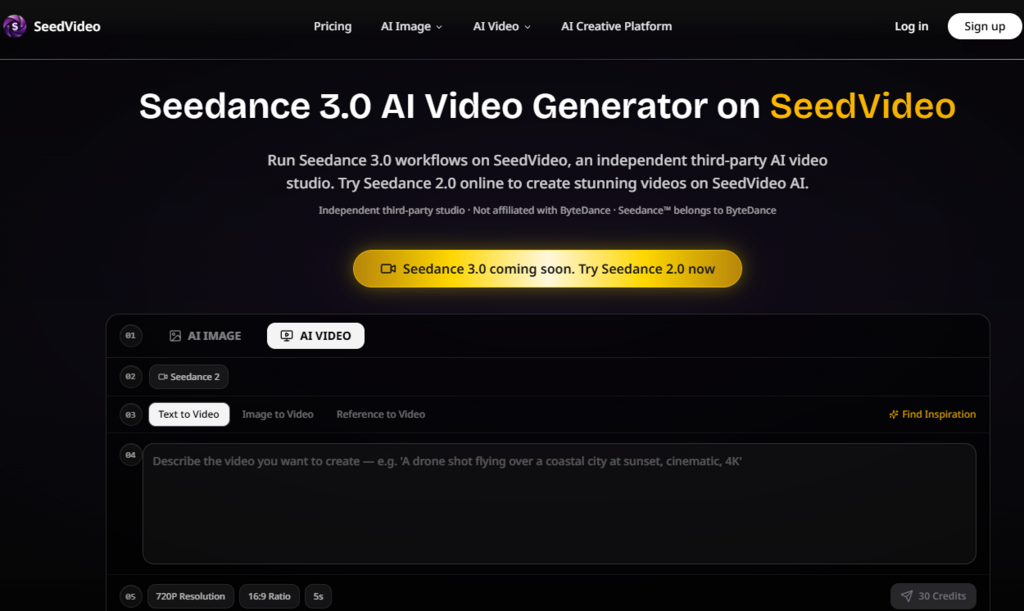
For years, the standard workflow for AI video generation has followed the same frustrating pattern: type a prompt, cross your fingers, and hope the output resembles what you imagined. The fundamental problem isn’t the quality of the models—it’s the interface. Text is a terrible medium for communicating visual intent. You can spend paragraphs describing a camera angle that a single reference frame would convey in an instant. That mismatch between how we think visually and how we’re forced to communicate with text has been the quiet bottleneck holding AI video back from serious production use. Seedance 3.0 approaches this problem from a different direction entirely. Instead of asking you to describe everything in words, it lets you upload the actual visual references that define your vision—images, video clips, audio files—and then use natural language to connect them.
This shift from text-only prompting to multi-modal input changes the entire dynamic of AI video creation. You’re no longer hoping the model understands what you mean. You’re showing it exactly what you want and telling it how those elements should fit together. The platform presents itself as an independent third-party AI video studio running Seedance 3.0, and that independence matters because it means the interface is built around practical creative workflows rather than research demonstrations. The underlying model comes from ByteDance, but the experience is shaped by what actual creators need to get work done.
From Prompt Gambling to Intentional Direction
The single biggest shift in using a reference-based system is the move from hoping to directing. When you upload a character reference image, you’re not describing eye color, hair texture, or clothing style—you’re providing the exact visual data the model needs to maintain consistency. When you upload a video clip demonstrating a specific camera movement, you’re not struggling to explain a tracking shot or a dolly zoom in words—you’re giving the model a concrete example to learn from.
The ‘@’ System Changes the Grammar of Prompting
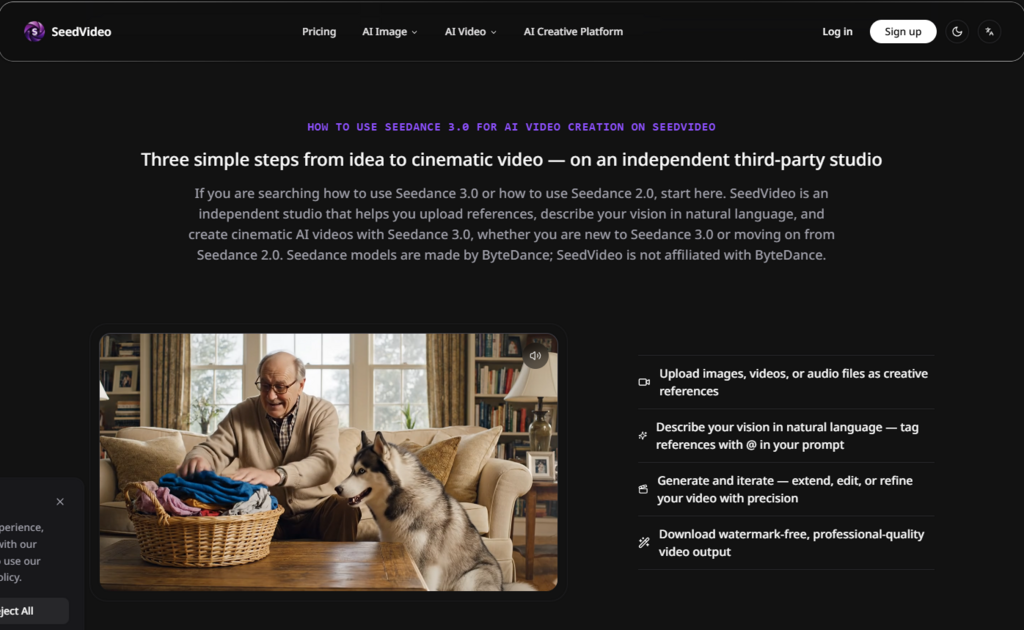
The mechanism that makes this workflow practical is surprisingly straightforward. You tag your uploaded references using the ‘@’ symbol within your natural language prompt. For example: “a character wearing @image1 walks through a rainy city street, camera following @video_ref dolly movement.” This tagging system serves as the connective tissue between your visual references and your textual direction. In practice, it means you can build complex scenes by combining multiple references without losing control over how they interact.
Four Input Modalities, One Coherent Workflow
The platform supports four types of input: images, video clips, audio files, and text prompts. You can use any combination of these in a single generation. This flexibility is significant because different creative tasks demand different reference materials. A fashion lookbook might rely heavily on image references for clothing and styling. A music video might prioritize audio input for rhythmic synchronization. A narrative scene might need video references for camera blocking and movement. The ability to mix and match these inputs within a single prompt gives you a level of control that text-only systems simply cannot match.
Visual References as the Foundation of Consistency
One of the persistent challenges in AI video is maintaining character and scene consistency across multiple shots. Without visual anchors, models tend to reinterpret characters from scratch with each generation, leading to faces that shift, clothing that changes, and environments that feel disconnected. The reference-based approach addresses this directly by giving the model fixed visual data to work from. When you tag a character reference image, the model has a concrete visual target to maintain throughout the generation process. This doesn’t guarantee perfect consistency in every frame, but it establishes a visual foundation that text alone could never provide.
A Practical Framework for Production Work
The real test of any creative tool is whether it fits into an actual production workflow. SeedVideo appears to be designed with this question in mind, focusing on the inputs and controls that matter most to working creators.
Audio-Visual Integration That Makes Sense
The platform’s support for audio input goes beyond simply adding background music to a finished video. You can upload an audio file and the system analyzes its rhythm to inform visual pacing and transitions. This is particularly useful for projects where the audio track drives the visual narrative—music videos, promotional content with specific pacing requirements, or any project where the relationship between sound and image matters. The audio input works alongside your visual references, giving you a way to synchronize both elements from the start of the generation process rather than trying to align them in post-production.
Editing Without Starting Over
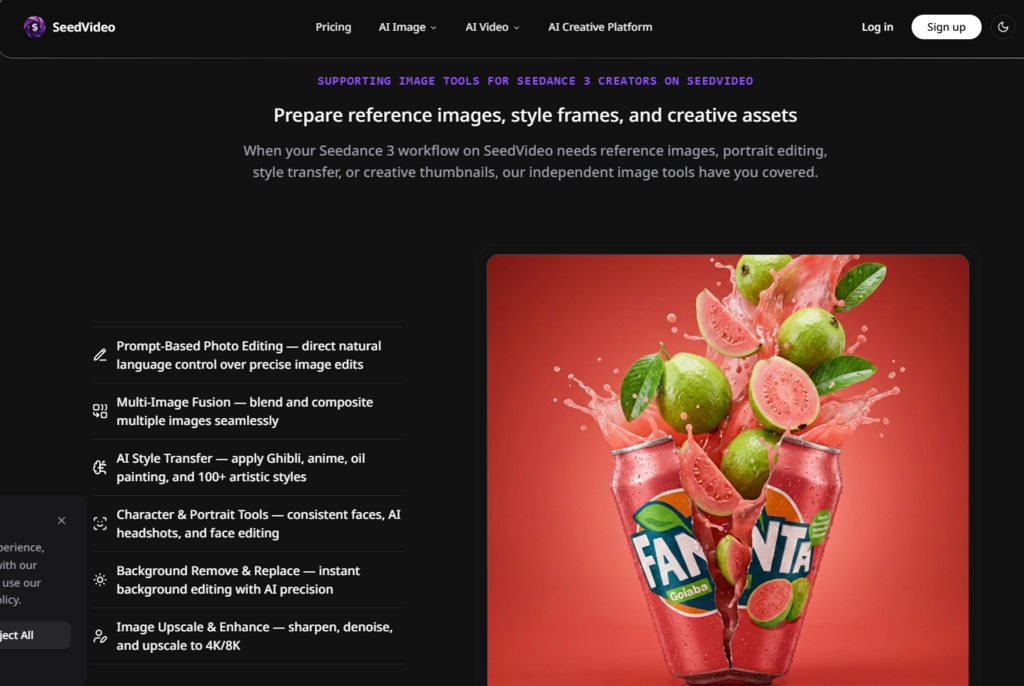
One of the hidden costs of AI video generation is the all-or-nothing nature of most tools. If the output isn’t quite right, your options are usually limited to regenerating the entire clip or accepting the flaws. The platform supports extending, editing, and modifying specific segments of generated videos, which means you can refine individual moments without discarding the parts that already work. This iterative capability is essential for real-world production because the first output is almost never the final output. Being able to tweak a transition, extend a scene by a few frames, or adjust a specific element without regenerating everything saves time and preserves creative momentum.
Where the Reference-Based Approach Excels
Different creative scenarios benefit from different levels of control. Based on the platform’s design and capabilities, here’s where the reference-based workflow offers the most value.
| Creative Scenario | Why the Reference Approach Works | Practical Consideration |
| Character-driven narratives | Visual references maintain face and clothing consistency across shots | Best results with high-quality reference images |
| Brand and marketing content | Logos, products, and style guides can be uploaded as visual anchors | Multiple iterations may be needed for complex brand elements |
| Music videos and rhythmic content | Audio input drives visual pacing and transitions | Works best with audio that has clear rhythmic structure |
| Pre-visualization and storyboarding | Quick iteration on visual concepts without full production | Useful for exploring multiple directions before committing |
| Social media and short-form content | Efficient generation for 5–15 second clips | Generation time scales with complexity of references |
The platform is most effective when you have existing visual assets to work from—character designs, location photos, style frames, or reference footage. It’s less suited for purely text-driven exploration where you’re starting from a completely blank slate.
What the Workflow Demands From the Creator
No tool eliminates the need for creative judgment, and the reference-based approach comes with its own set of requirements.
Prompt Quality Remains the Critical Variable
The system interprets your prompts literally, and the quality of your output depends heavily on the clarity of your instructions. Vague prompts produce vague results, regardless of how many references you upload. Being specific about spatial relationships, timing, emotional tone, and the interaction between different elements makes a meaningful difference in the final output. This isn’t a system that reads your mind—it’s a system that executes your directions.
Iteration Is Part of the Process
Complex scenes with multiple interacting characters, intricate camera movements, or dense visual compositions may require several generation attempts before hitting the mark. This isn’t a failure of the tool—it’s a reflection of the inherent complexity of video generation. The iterative loop of refining prompts and adjusting references is where the real work happens, and the platform supports this by making it easy to extend and edit specific segments without starting over.
Results Are Consistent but Not Infallible
While the reference system significantly improves character and style consistency, it’s not flawless. In longer sequences, minor variations in texture, expression, or lighting may appear. These variations are generally acceptable for social media content, internal prototyping, and pre-visualization, but they may not meet broadcast-quality standards without additional refinement. The platform appears to perform best when you feed it high-quality, well-organized reference materials and maintain realistic expectations about what the technology can deliver.
Who Benefits Most From This Approach
Based on the platform’s design and capabilities, the reference-based workflow is most valuable for creators who already work with visual references and want to accelerate their video production without sacrificing creative control. Marketing teams producing social media content, independent filmmakers exploring pre-visualization, digital artists animating character designs, and content creators who need to maintain brand consistency across multiple pieces will find the reference-based approach particularly useful.
The platform is less suitable for creators who prefer text-only workflows or who need pixel-perfect output on the first attempt. It’s a tool for iteration and refinement, not a magic button that produces finished work without creative input. The reference-based approach gives you more control, but that control comes with the responsibility to use it effectively.
The landscape of AI video generation is evolving rapidly, and tools that offer genuine creative control are becoming increasingly valuable. Seedance 3.0 AI Video Generator doesn’t promise to replace your creative judgment—it promises to give you better tools to execute it. And in a field where most tools still feel like gambling, that’s a meaningful difference.