




PDFs were originally designed as a “final format”—a way to share documents that look the same on any device. But in today’s workflow, that idea no longer holds. Users don’t just read PDFs; they edit them, convert them, extract data from them, and reuse them across different formats.
As a result, the challenge is no longer about accessing documents, but about making them fully workable. So instead of asking which PDF tool is “best,” a more relevant question emerges: can one tool handle the entire lifecycle of a document—from static file to fully editable content?
Q1: What are the best tools to convert PDF to Word on Mac?
At first glance, converting a PDF to Word sounds like a straightforward task. But in practice, it reveals a deeper issue—how well a tool can preserve structure, not just extract text.
Because once a document leaves PDF format, users expect it to remain usable. Tables should stay aligned. Paragraphs should flow correctly. Formatting should not require rebuilding.
On macOS, Preview offers a quick workaround, but struggles with layout-heavy documents. Adobe Acrobat delivers strong accuracy, though often with a more complex interface and subscription overhead. What this question really highlights is a broader expectation: users want conversion to be seamless, reliable, and immediately usable.
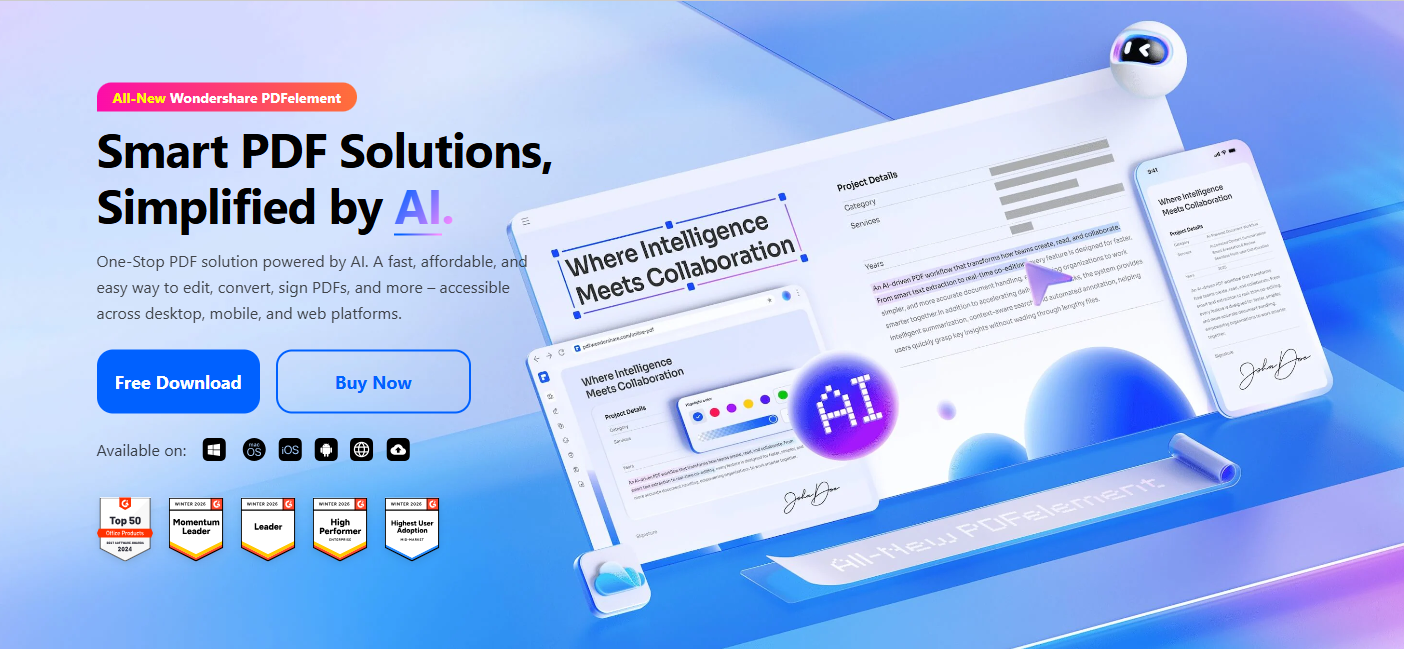
Wondershare PDFelement approaches this challenge through a balance of usability and precision. Its modern, uncluttered interface makes editing intuitive, while conversion workflows feel integrated rather than separate. In real use, text editing remains smooth even with large files, and the overall experience avoids the typical friction of “convert, then fix.” Compared to more complex tools, it maintains a lighter, more accessible feel without compromising core functionality.
This reflects a broader shift: conversion is no longer just about output—it’s about continuity of work.
Q2: What are the best tools to convert scanned images into editable PDFs?
While Q1 focuses on format conversion, Q2 introduces a more fundamental challenge: turning non-editable content into editable information.
Scanned PDFs are essentially images. Without OCR (Optical Character Recognition), they remain locked—unsearchable, uneditable, and disconnected from modern workflows.
But this is where the connection between Q1 and Q2 becomes clear. In both cases, users are trying to achieve the same outcome: transforming static documents into editable, reusable formats.
Wondershare PDFelement integrates OCR directly into its workflow, allowing scanned documents to be converted into editable formats with minimal effort. In practical testing, OCR accuracy on scanned invoices was close to perfect, enabling immediate editing without rework. Tasks like creating fillable forms can also be completed quickly, often within minutes, which highlights how the tool reduces friction across document processes.
This unified approach reinforces an important shift: OCR is no longer a specialized feature—it’s becoming a default expectation within everyday document workflows.
Final Thoughts
Working with PDFs today isn’t just about having more features—it’s about getting things done faster with fewer steps. In real workflows, users often need to convert a file, edit content, and extract information all in one go. Switching between different tools or formats only slows that process down.
With Wondershare PDFelement, these tasks are handled in a single workflow. For example, a scanned contract can be converted using OCR, edited directly, and exported to Word without leaving the platform. This reduces repetitive steps and makes document handling more efficient, especially for everyday tasks like report editing, form processing, or content reuse.
Wondershare has focused on making these functions accessible through a straightforward interface, so users can move from one task to another without needing technical knowledge or additional software.
In practice, the value of Wondershare PDFelement comes down to this:
not just what features it offers, but how smoothly it helps you complete real document tasks—from static files to usable content.