




Stitching several generated clips can create a production problem before the edit begins. A presenter’s jacket changes between shots, a product shifts position, or the final clip uses a different camera angle from the one the opening established. The team then spends its editing time disguising discontinuities instead of shaping the message.
For scenes that belong in one location, a native generation pass offers another route. Plan the sequence as a continuous action, generate it as one clip, and review the whole passage for continuity. The shift happens at the briefing stage: the production unit becomes a complete beat rather than a collection of short shots.
Decide whether the sequence can stay continuous
Start by describing what physically happens. A presenter can walk to a workbench, place an object on it, and gesture toward it. A camera can move through a small showroom and finish beside a display. Both sequences have a connected route that can remain understandable without cuts.
A sequence moving from a factory to a customer’s home has a different structure. Forcing it into a single pass may require implausible transitions or too many visual changes. Multi-clip production is still useful when the message depends on distinct locations, close-up inserts, or precise comparisons.
Choose the continuous approach when a stable subject and setting are central to the message. It is especially useful as a planning option for introductions, simple scene-based explainers, and visual demonstrations that do not depend on exact procedural detail.
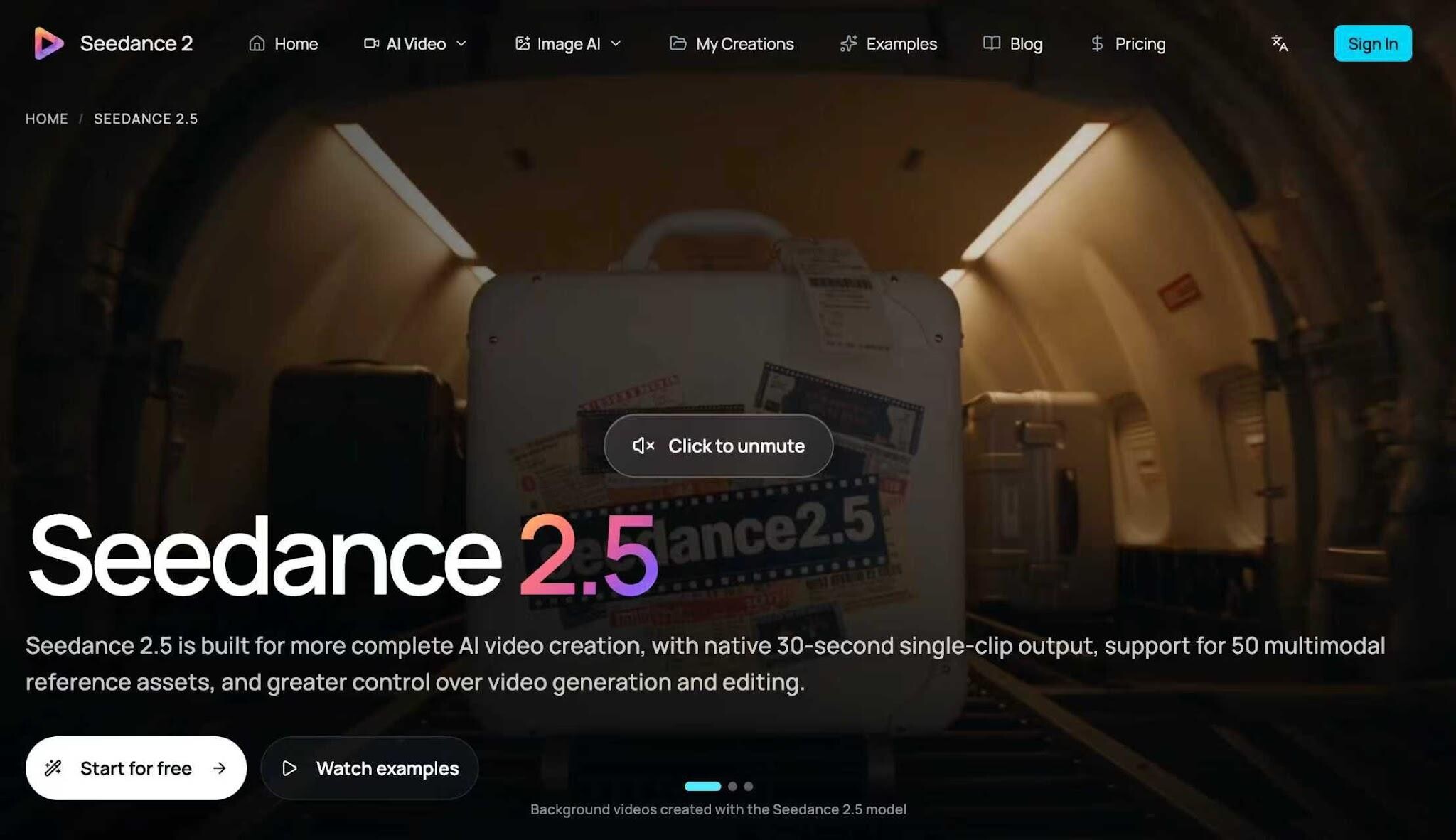
The Seedance 2.5 AI Video Generator supports continuous video generation up to 30 seconds in one pass. Plan one connected action with a visible ending, then generate it as a single clip instead of assembling that scene from separate fragments. New users get free credits on sign-up, so you can generate a first video for free. Review the full clip for continuity before finishing.
Plan one beat with a visible ending
A beat is a meaningful unit of action. It should produce a change the viewer can understand: an object arrives at its destination, a person completes a simple task, or the camera reveals the subject the introduction promised.
For a hypothetical workshop introduction, the beat might be: a maker carries a small wooden stool to a bench and turns it so the finished surface faces the viewer. The ending is visible and easy to evaluate. It does not require a second scene to explain what happened.
Give the shot an approximate pace. Allow an opening moment to establish the space, enough time for the movement, and a final hold. These are creative instructions rather than frame-accurate promises. If the first output spends too long establishing the room, shorten the opening description and simplify the route.
A 30-second pass is a maximum planning envelope, not a reason to stretch an action that works better in less time. Use only as much duration as the message can support.
Write the prompt as a production specification
Specify the subject, setting, action, camera path, fixed details, and final composition. Keep style language secondary to the physical instructions. “Cinematic” alone does not tell the generator where an object goes or what must remain unchanged.
For the workshop example, use: “Create one continuous shot inside a small woodworking studio. Follow the referenced maker carrying the referenced wooden stool from the doorway to the workbench. The maker places the stool on the bench and turns it slowly toward the camera. Keep the maker’s navy shirt, the stool’s legs, wood tone, and workshop layout consistent. Use a steady camera track at waist height, with no cuts or location changes. End on a clear view of the stool.”
This is an AI text to video brief that can also incorporate references where the interface supports them. It gives the reviewer concrete requirements to check, rather than an aesthetic impression to debate.
Use references to define the hard details
Separate references by purpose. A subject image establishes appearance, a product image establishes geometry, and a setting image establishes spatial context. Document these roles even if the generator does not provide dedicated reference labels.
Select images that agree with the requested framing. A product photograph showing all four stool legs is useful when the action involves lifting and turning the object. A cropped detail of the seat alone leaves its construction underspecified.
Keep the pack focused. Additional images should resolve uncertainty, not simply increase the number of inputs. Conflicting outfits or incompatible room layouts can create a brief that no output can satisfy consistently.
Store the chosen references beside the prompt. That small administrative step makes it possible to reproduce a version’s inputs, explain a revision, and avoid accidentally using an outdated product image.
Review continuity on a separate pass
Watch the output once at normal speed for overall meaning. Then inspect it slowly for specific failures. The two reviews answer different questions: whether the sequence communicates, and whether its elements remain credible throughout.
Track the subject’s identity and clothing. Follow the featured object through every interaction. Check that hands contact it plausibly and that surfaces do not merge. Look at the background for furniture that appears, vanishes, or changes position without explanation.
Watch the camera path as well. A sudden change in viewpoint may function like an unrequested cut even if the file is technically one clip. The scene should preserve a believable relationship between the subject, the room, and the camera.
Record problems with timestamps and precise descriptions. “At around twelve seconds, the stool gains an extra leg” gives the producer a useful revision target. “Looks odd in the middle” does not.
Revise the cause rather than adding more instructions
If the object changes during a turn, reduce the turn or choose a clearer reference. If the subject rushes across the room, shorten the route. If the camera loses the object, simplify its movement and state when the product should remain in frame.
Change one major variable per revision when possible. Keep a version log with the prompt change and the observed result. This makes the content production workflow easier to assess than a folder full of unlabeled alternatives.
Do not assume native generation automatically saves time. Compare accepted outputs, generation attempts, review time, and finishing work against the team’s existing method. A continuous pass is useful when it reduces the actual work needed to reach approval.
Keep finishing separate from scene assembly
Once the continuous scene passes review, add exact captions, brand graphics, and required end messaging in the finishing stage. Those additions do not require rebuilding the narrative from fragments. They prepare an accepted scene for its distribution channel.
Check the export in the intended aspect ratio and on the device size viewers will use. Confirm that overlays do not cover the featured action, and preserve a clean master alongside the captioned version.
The practical handoff is one approved scene with its prompt, references, and revision record attached. That package gives the next producer a clear starting point and keeps continuity decisions visible throughout production.
FAQ
Q: Can Seedance 2.5 generate 30 seconds in one pass instead of separate short clips?
A: Yes. Seedance 2.5 supports continuous generation up to 30 seconds in one pass.
Q: Is Seedance 2.5 free to try?
A: Yes. New users get free credits on sign-up, so you can generate a first video for free.