




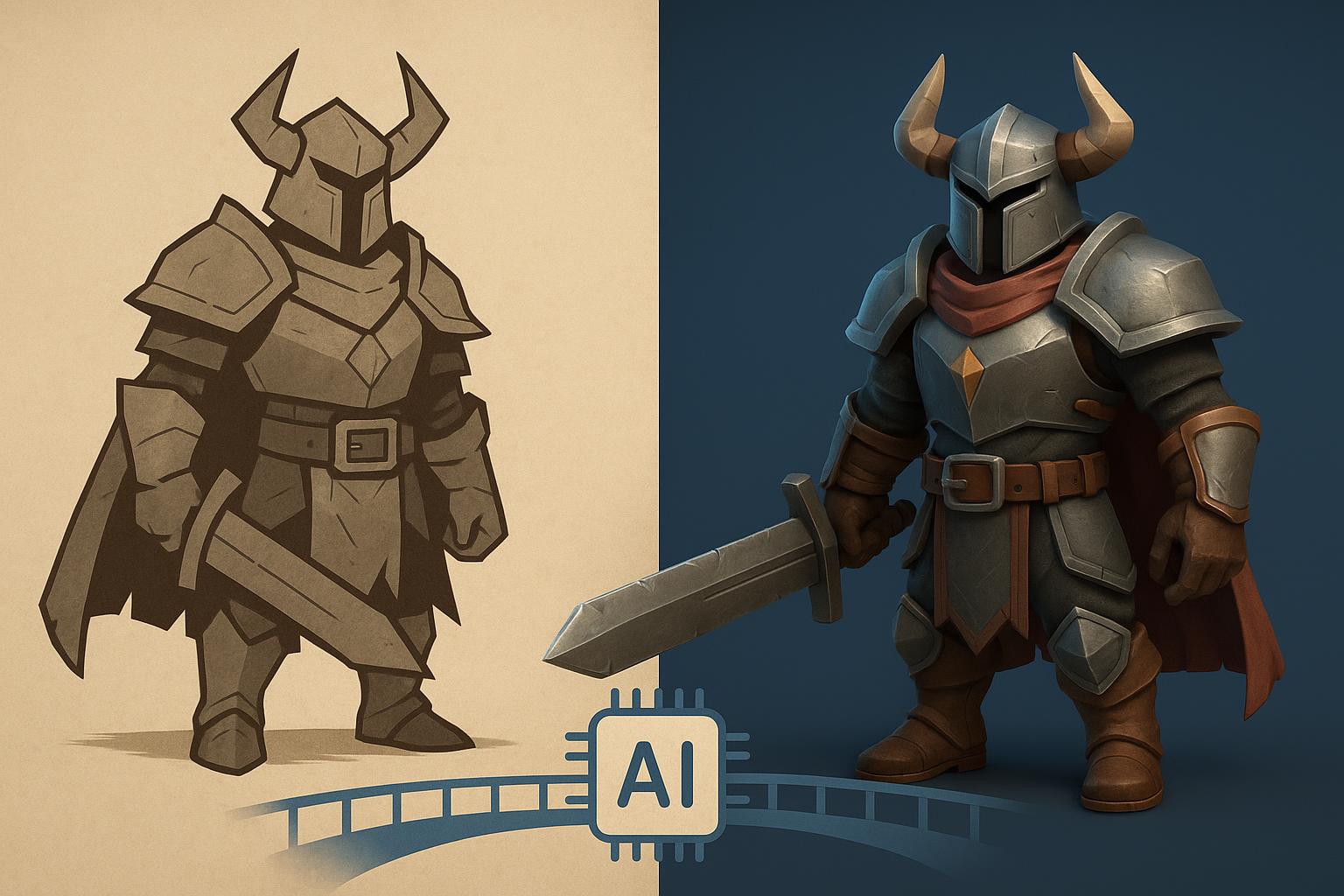
For decades, the journey from a flat 2D concept drawing to a fully rendered 3D spatial asset was one of the most resource-intensive bottlenecks in digital production. Indie game developers, industrial designers, and digital artists spent countless hours extruding primitives, tweaking vertex densities, unwrapping complex UV maps, and painting seamless texture channels. Today, generative artificial intelligence is upending this legacy pipeline by converting flat visual references into spatial geometries within seconds. Among the suite of specialized platforms pioneering this shift, Meshy is one of the leading AI 3D model generators, transforming how creators prototype, iterate, and deploy interactive digital assets across real-time graphics and additive manufacturing pipelines.
The Evolution of 2D to 3D Workflows
Traditional 3D modeling workflows rely heavily on specialized desktop software suites where artists build assets polygon by polygon. While this manual methodology provides fine control over topology, it creates severe production friction. A single environmental prop or character concept art can require days of labor spanning sub-D modeling, manual retopology to ensure clean edge loops, UV unwrapping without distortion, and PBR (Physically Based Rendering) texture map generation.
The arrival of spatial artificial intelligence eliminates these tedious intermediate phases. Rather than building meshes from scratch, modern creators utilize intelligent tools that infer depth, volumetric form, and material characteristics directly from visual inputs. Integrating an advanced image to 3D converter into your creative pipeline allows pre-production artwork, photograph reference sets, and AI-generated concept illustrations to bridge directly into engine-ready spatial assets. This fundamental evolution shifts the artist’s primary role from technical wireframe construction to high-level aesthetic curation and rapid physical prototyping.
Core Platform Capabilities & Feature Architecture
Modern web-based generative environments are engineered to make spatial creation frictionless, accessible, and robust enough for commercial asset pipelines. By moving compute-heavy neural rendering tasks off local workstations into cloud infrastructure, creators can build assets on demand without relying on high-end desktop GPUs.
Cloud-Native Generation & Dual Modes
Meshy operates as a fully browser-based platform, eliminating complex local software installations or hardware dependencies. The ecosystem offers dual primary creation paradigms designed to accommodate various stages of pre-production:
- Text-to-3D: Generates detailed volumetric meshes directly from descriptive text prompts, ideal for blue-sky brainstorming, initial visual direction, and rapid prop ideation.
- Image-to-3D: Transforms flat 2D images, orthographic character turnarounds, and concept art into detailed 3D models with texture channels intact.
Multi-Image Precision & Free Tool Suite
Generative neural networks often struggle with occluded surfaces when predicting 3D volumes from a single photograph. To eliminate back-face hallucination and geometric distortions, the platform supports multi-image input capability. Users can upload front, side, and back reference photos simultaneously, providing the underlying neural engine with exact volumetric spatial data for enhanced structural accuracy and precise edge alignment.
Additionally, the suite incorporates a free browser-based 3D Tool Kit that empowers creators to inspect, optimize, and prep models without launching separate modeling software:
- Universal 3D Converter: Quickly changes file formats between disparate asset standards.
- Online 3D Viewer: Allows zero-latency, high-fidelity browser inspection of geometry, wireframes, and texture maps.
- STL Repair Engine: Automatically identifies non-manifold geometry, closes naked edges, and repairs inverted faces for watertight 3D printing.
Industry-Standard Export Versatility
Generated models are only as valuable as their portability into downstream production pipelines. The platform provides full coverage across major industry file formats:
- GLB / GLTF: Compact, web-ready formats optimized for AR/VR apps, web graphics, and real-time interactive previews.
- FBX: The standard interchange format with hierarchy support for game engines like Unity and Unreal Engine, as well as digital content creation toolsets like Blender, Maya, and 3DS Max.
- OBJ: Universal geometry standard compatible with legacy pipelines, texturing tools, and sculpting software.
- STL: Watertight format optimized for slicers and additive manufacturing (3D printing).
To ensure zero-barrier experimentation for new creators, the platform provides a robust free tier availability upon registration, allowing users to test generation workflows, export sample meshes, and evaluate pipeline integration before committing to commercial subscription plans.
Step-by-Step Guide: From 2D Concept to 3D Model in Minutes
Transforming a 2D reference photo into a game-ready or printable 3D asset involves a straightforward, streamlined process inside the web workspace.
Step 1: Inputting Single or Multi-Angle References
Navigate to the web interface and select the Image to 3D studio workspace. Drag and drop your source image (such as a PNG concept painting, character sheet, or real-world photograph) into the primary input channel. If multi-angle turnaround drawings or front/side photographs are available, utilize the multi-image upload panel to attach complementary angles. This secondary structural data guides the AI in constructing precise volumetric symmetry and depth profiles.
Step 2: Refining Geometry & AI Texturing
Initiate the draft generation pass. The AI model analyzes light vectors, outlines, and perspective lines to generate an initial 3D mesh preview within seconds. Once the core geometry is established, launch the integrated AI texturing panel. Here, you can supply detailed natural language text prompts (e.g., “stylized hand-painted wood texture, weathered bronze trim, PBR metallic surfaces”) to repaint diffuse maps, adjust bump textures, or adapt surface lighting characteristics to match your project’s art direction.
Step 3: Optimization, Formatting, and Export
Review the generated asset inside the online browser viewer. Toggle wireframe overlays to verify surface contour distribution and geometry balance. If preparing the model for 3D printing, run the mesh through the automated STL repair tool to guarantee closed manifold topology. Finally, open the export drawer, select your target file format (FBX for Unreal/Unity, GLB for WebGL, or STL for 3D printing), choose your desired texture resolution, and download the asset package directly to your local drive.
Developer Integration & Pipeline Automation
While individual artists benefit from web workspace tools, larger game development studios, eCommerce platforms, and metaverse projects require bulk spatial creation. To meet these high-volume technical demands, the ecosystem offers comprehensive developer API access.
By integrating the platform’s API into custom software pipelines, studio engineering teams can automate high-volume 2D-to-3D asset conversions. For instance, a game production studio can establish automated server hooks that instantly generate low-poly 3D background props whenever a concept artist saves a 2D illustration to the shared team asset repository. Similarly, e-commerce platforms can automate the batch transformation of product catalog photographs into interactive GLB 3D models for augmented reality product previews. API endpoints support asynchronous job handling, geometry quad-remeshing settings, material channel requests, and direct cloud storage delivery.
Frequently Asked Questions (FAQ)
1. Is there a free option available to test the platform before subscribing?
Yes. New users can take advantage of a generous free tier upon account creation. This tier provides recurring monthly generation credits, enabling creators, indie developers, and hobbyists to test both Text-to-3D and Image-to-3D generation pipelines, preview 3D geometry inside the browser, and export sample models without requiring an upfront financial commitment.
2. How does uploading multiple reference images improve the generated 3D model quality?
When converting a single 2D image, the AI must logically infer hidden geometry (such as the back or undersides of an object). Uploading multi-angle images (such as front, side, and back views) gives the underlying neural engine concrete structural data from multiple perspectives. This eliminates surface ambiguity, preserves intended proportions, and ensures high structural fidelity across complex shapes.
3. Which 3D file formats are supported for game development and 3D printing?
The platform offers full export coverage for all major industry-standard formats. For game engines like Unreal Engine, Unity, and Godot, as well as digital creation tools like Blender or Maya, assets can be exported in FBX, OBJ, or GLB formats complete with texture maps. For additive manufacturing and desktop 3D printing pipelines, models can be saved directly as watertight STL files.
4. Can assets generated on the platform be used for commercial projects?
Yes. Models created under paid subscription tiers include full commercial licensing rights. Creators, freelancers, and game studios retain ownership of generated spatial meshes and texture assets, allowing them to integrate models directly into monetized video games, commercial 3D print production runs, digital media campaigns, and client deliverables.