




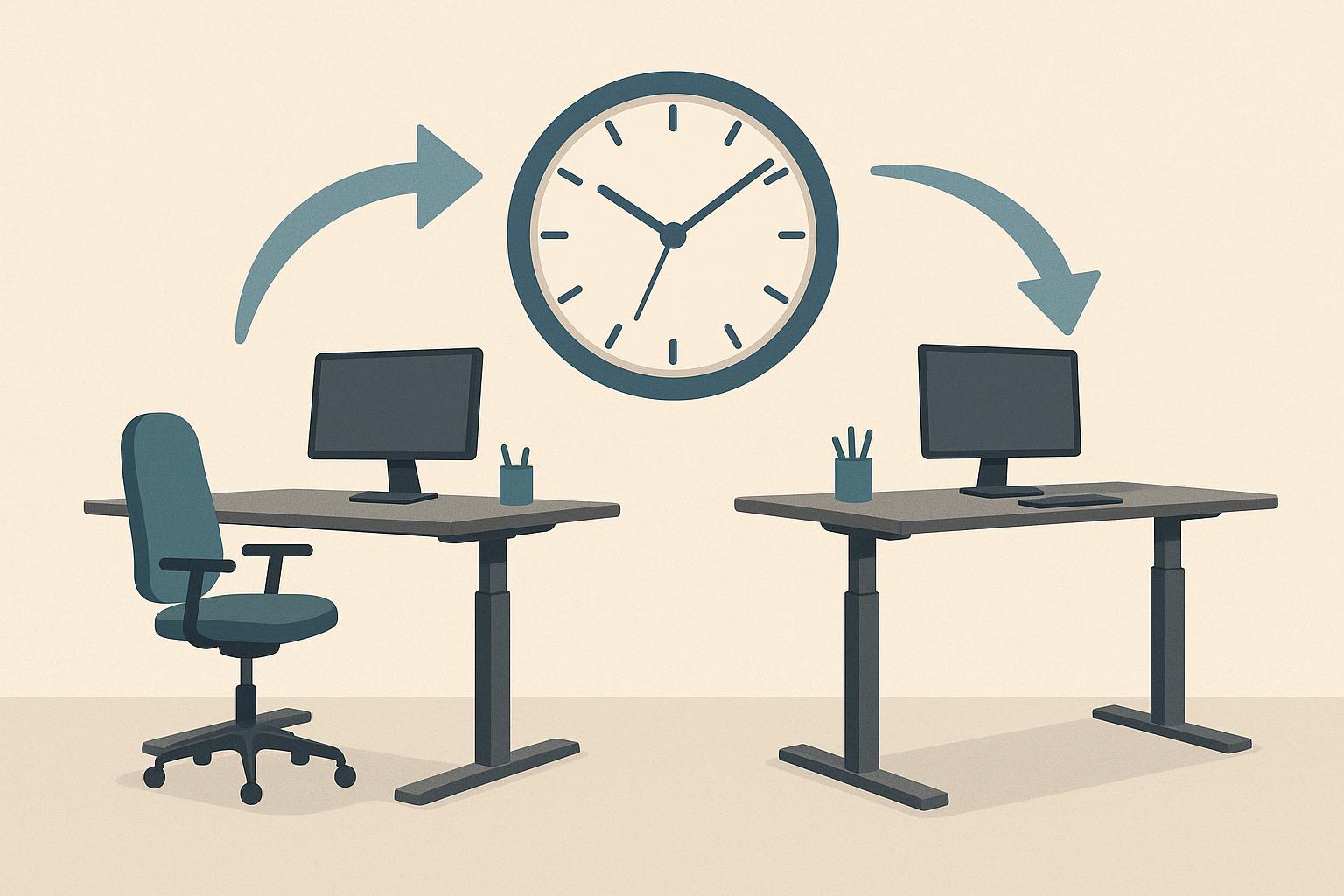
Most advice about sit-stand desks hands you a fixed number and leaves you feeling guilty when it doesn’t fit. The truth is simpler. Your body wants change rather than perfection, and the best schedule is one you’ll actually keep.
Staying still hurts more than sitting or standing
We hear a lot about sitting as the villain, but anyone who has stood in one spot for a long stretch knows standing can ache just as much. Researchers who study sedentary behaviour point to the same root issue in both cases. Sitting or standing becomes a problem when you stay locked in one shape for too long while muscles stiffen and joints complain. Ergonomists have a saying for this idea: the next posture is the best posture.
When we stay seated past the point of comfort, our lower back rounds and our neck creeps forward. Shoulders can tighten when the keyboard sits too far away. When we stand too long without a break, pressure builds in our feet and our lower back starts to feel stiff and tired. Neither position is wrong when used in shorter bursts.
That is why postural variability matters more than maintaining one supposedly perfect posture. Think of your workday as a series of shorter chapters rather than one long sit with a brief stand added at the end.
Static standing has its own downside, though it gets less attention. Blood tends to pool in the lower legs when we don’t move, which is why feet can swell and feel heavy after an extended period at a counter. People who already deal with sore arches or tender veins may notice it first. Supportive shoes help for a while. Shifting weight helps too, but you will still need to sit back down after a while.
We often sit to focus and stand to wake up, and both positions work best when they take turns. Don’t chase a daily standing quota at the expense of comfort or the work you need to finish.
Start with a simple rhythm you can adjust
There is no single timer setting that fits every body and every job. Some clinical protocols mention 30 minutes sitting followed by 30 minutes standing. Other ergonomic guides offer 45 minutes sitting with 15 minutes standing as another option. Both can work as starting points because they prompt a change before stiffness builds. Pick one, test it for a few days and adjust it instead of hunting for a perfect number.
If a daily target helps you stay honest, keep it loose. An international consensus statement encouraged office workers to build more standing and light activity into the workday (British Journal of Sports Medicine). Treat that advice as background rather than a rule you must meet immediately. Regular switches and light movement matter more than chasing an exact total.
Many of us do well when neither sitting nor standing continues for too long at first. One option is to set a quiet reminder to change position every 30 to 40 minutes and see how your back, feet and focus respond. Some mornings you’ll want to stand sooner. Some afternoons you’ll want to stay seated longer to finish a thought. That kind of adjustment is normal and helps make the routine sustainable.
You’ll learn more from how you feel after trying the routine than from any chart. Don’t force the switch when your body or the task is telling you that a small adjustment would work better.
If 30 minutes feels long on your feet, shorten the standing block to 15 minutes while keeping the seated block at 30. You’ll still change shape regularly enough to notice how your body responds, and you can adjust again if needed.
Ramp up slowly if you’re new to standing
Legs and feet need time to adapt to spending more time upright, just as they would with a new walking routine. If you jump from sitting all day to standing for hours, sore calves, tender heels and an unhappy lower back may follow. Start smaller than you think you should. You might try 15 to 20 minutes of standing at a time, twice during your first attempt.
Increase those standing blocks gradually when they feel easy. Hold steady for longer if they don’t. Progress is rarely a straight climb because the feet, legs and lower back may respond differently as the routine changes. A pause-and-hold approach gives your body time to settle before you ask it to stand for longer periods.
A simple starting routine might include a short stand during the morning and another one after lunch. Keep the rest of the day seated and notice how you feel at quitting time. You’ll know you pushed too fast if you dread standing during the next session. Back off and sit more until the soreness fades rather than trying to push through it.
Soreness is feedback, not failure. Use it to shorten a standing block, change your setup or add more movement between positions instead of treating it as a reason to abandon the desk.
Give yourself time before you judge the routine. Comfort tends to build through regular practice, and a slower adjustment is easier to maintain than an ambitious schedule that leaves you sore.
Set up your desk so switching feels easy
People rarely quit sit-stand routines because the timing was slightly wrong. They often quit because the switch is annoying. If the desk wobbles or takes too long to move, you’ll be tempted to stay seated. A stable lift that moves quickly and quietly removes that friction. Test the up-and-down motion before you commit to a routine.
We use our desks dozens of times each week once the routine clicks, so hardware quality can shape behaviour more than willpower. When you’re comparing options for office furniture, guides to the best standing desk can help you sort through lift capacity and stability specs without guessing. Look for a frame that remains solid at full height and a top deep enough for your screen and keyboard. Small shakes become distracting during calls or focused work. Good stability makes it easier to keep switching on busy days.
Height settings matter as much as the motor. When standing, set the surface near elbow height so your forearms rest lightly without forcing your shoulders upward. Your screen should sit at eye level so your neck stays tall and you aren’t tipping your chin down. Keep your wrists flat over the keyboard, with your elbows close to a right angle. Write down the settings for sitting and standing so you can reach them quickly each time.
An anti-fatigue mat can extend comfortable standing time by softening pressure under your heels and prompting small weight shifts. Pair it with supportive shoes that don’t pinch your toes. Both can improve leg comfort. You will still need to alternate between sitting, standing and moving throughout the day.
Match your posture to your task
We focus differently in different positions, so let the work help decide when you switch. Standing can pair well with energetic or conversational tasks. Use it for phone calls and short email replies when you want more alertness in your voice. Sitting often suits detailed work, including drafting and editing, when you want to settle in and finish a thought.
Early afternoon is a useful time to test this idea. Many of us hit a slump after lunch when our eyes feel heavy and attention starts to drift. That can be a good time to stand and handle lighter admin rather than forcing complex work while seated. You may feel more awake without automatically reaching for another coffee.
Creative work can suit either position. Some people like to stand while sketching ideas on a whiteboard, while others pace through options out loud because it helps them think. They may sit back down to tighten the language and check the details. Try the different positions and keep notes on which one helps you think clearly for each kind of task.
If you share a workspace, pay attention to noise and sightlines as well. A quiet lift won’t distract neighbours when you change height during the morning. A monitor arm that moves with you keeps text at a consistent distance in both positions. These practical details make it easier to switch even when the day gets busy.
Don’t lock your knees when you stand, and avoid perching on one hip for long stretches. Shift your weight regularly and keep both feet grounded when you can, while allowing yourself to sit when standing stops feeling comfortable.
Listen to your body instead of the app
Timer apps can help start the habit, but they make poor bosses. They may buzz in the middle of a good paragraph and stay silent when your shoulders have already begun asking for a change. Your body provides earlier, more useful signals if you notice them. Fidgeting in the chair is one clear sign, while sliding into a slouch you can’t comfortably correct is another.
On your feet, watch for heavier heels or tingling toes. Those signs suggest you’ve stood long enough for the moment. Sit down and shake out your legs for a minute. Then reset your screen height and settle back into a comfortable seated position.
We like to outsource decisions to our phones, yet internal cues are often more useful for posture. Attention drift can be a helpful signal. If you’ve reread the same line twice while sitting, try standing and moving for a few minutes. If standing makes your typing sloppy, sit down and steady yourself. Switch because the change helps, rather than simply because an icon told you to.
There’s no prize for obeying every reminder on time. Catching fatigue early and changing position before it builds can bring real relief, while also making the routine feel less rigid and easier to continue.
Coffee breaks and bathroom trips already interrupt long periods of sitting, so count them as part of the routine. Link your next switch to one of those natural pauses and you may find that you need fewer alarms during the day.
Make each switch count with movement
Standing still is not the same as moving. This distinction trips up many new users who swap a sitting statue for a standing statue and wonder why their back still aches. Blood moves when muscles contract, and joints benefit when they change angle. Use each transition as a cue to move briefly before settling into the next position.
Keep the movement simple and short. Roll your shoulders and reach overhead for 30 seconds, then walk to get some water. You can also do a set of slow calf raises beside your desk if your lower legs feel tight. These small resets support circulation and keep either working position from feeling as heavy.
Extended, unbroken standing is often where discomfort starts to appear. Feet may throb, lower legs can feel puffy and the lower back may tighten from holding the same curve. A mat can delay that discomfort. Movement may delay it further, but sitting down when you need to will leave you more comfortable for the next part of the day.
If time is tight, even a lap around your desk can help. The aim is to avoid parking in one shape for so long that stiffness, discomfort or fading concentration forces a bigger interruption later.
You don’t need special gear to move more. You need a clear path around the desk and a reason to use it regularly. Keep that path open, and brief movement is more likely to become a normal part of each switch.
You don’t need a perfect ratio to get value from a height-adjustable desk. Start with short, frequent switches, build slowly and fine-tune the heights as you learn what feels right. Stay consistent and the desk stops feeling like a piece of furniture you have to manage. It becomes part of a working rhythm you can keep.