




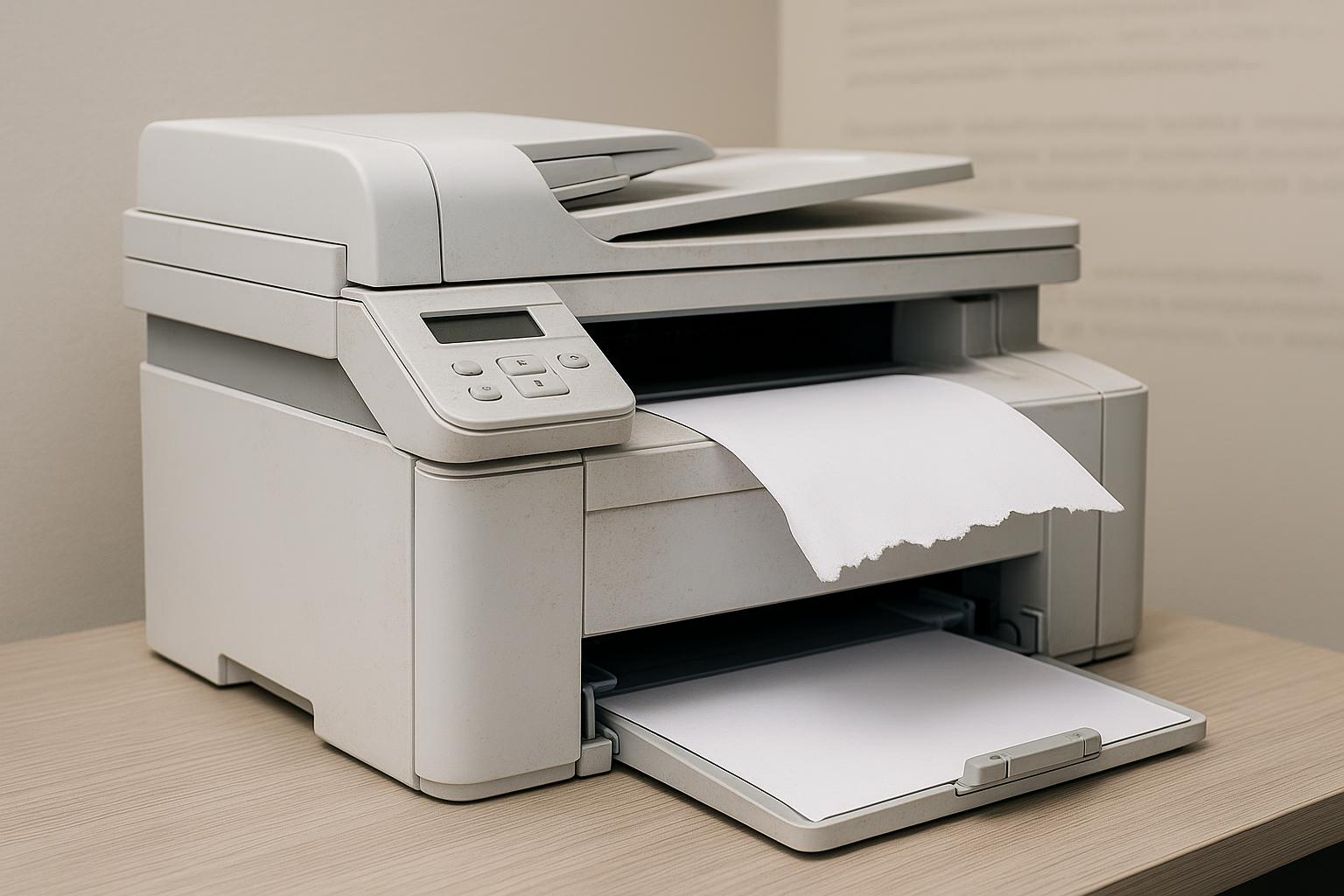
Office printers tend to get attention only when something goes wrong — a paper jam during a deadline, streaky output, or a sudden refusal to print at all. Routine maintenance rarely makes anyone's calendar, which is exactly why so many small businesses end up dealing with avoidable repair costs and downtime that a basic maintenance schedule would have prevented.
Why Printers Need Regular Maintenance at All
Unlike a phone or laptop, a printer is a mechanical device with moving parts — rollers, gears, print heads or drums, and fusers in laser printers — that wear down through physical use rather than simply aging on a shelf. Dust, toner or ink residue, and paper fiber buildup accumulate inside the machine over time regardless of how carefully it's used, which is why even a lightly used printer benefits from periodic cleaning and inspection.
General Maintenance Timelines
Maintenance needs vary by printer type and usage volume, but a few general patterns hold across most office equipment:
Light home or small-office use (a few hundred pages per month) generally needs a basic cleaning and inspection every six months to a year, along with attention whenever print quality noticeably declines.
Moderate office use (several thousand pages per month) typically benefits from maintenance every three to six months, since higher page volume accelerates wear on rollers and internal components.
High-volume office or shared printers used by multiple employees daily often need maintenance checks quarterly or even monthly, particularly for laser printers with fusers and drums that have manufacturer-rated page-count lifespans requiring replacement at specific intervals.
Most printer manufacturers publish a maintenance kit replacement interval, often tied to page count rather than calendar time — commonly somewhere in the range of 100,000 to 300,000 pages for laser printers, depending on the model. Tracking actual page counts, which many printers display internally, gives a more accurate maintenance signal than simply going by time elapsed.
Signs a Printer Is Overdue for Service
A handful of symptoms reliably indicate maintenance is needed sooner rather than later:
- Streaks, lines, or fading in printed output, often caused by a dirty or worn print head, drum, or toner cartridge issue.
- Frequent paper jams, especially if they've become more common recently, which often points to worn feed rollers rather than a paper-loading problem.
- Unusual noises during operation, such as grinding or excessive vibration, which can indicate a failing internal component before it causes a full breakdown.
- Slower print speeds than normal, sometimes a sign of an aging fuser or internal buildup affecting mechanical performance.
- Error messages recurring after being cleared, which often means an underlying issue is being temporarily masked rather than resolved.
Why Reactive-Only Maintenance Costs More Over Time
Businesses that only address printer issues after a failure tend to face higher repair costs and more disruptive downtime than those on a preventive schedule, since a small, cheap fix — cleaning a roller, replacing a $30–150 part — often prevents a more expensive repair or full printer replacement down the line. Print industry research firm Quocirca reported in its Print 2025 study that 68% of organizations experienced at least one print-related security or performance incident over the prior year, with outdated maintenance and unpatched hardware or software cited as a recurring factor behind those incidents.
There's also a cost consideration specific to shared or networked office printers: unplanned downtime doesn't just cost a repair bill, it costs employee time waiting on a fix, particularly in offices without a backup printer.
In-House Maintenance vs. Professional Service
Some maintenance tasks — clearing paper dust, checking for visible debris, basic external cleaning — can reasonably be handled internally by office staff. Others, particularly internal cleaning of print heads, drums, and rollers on laser printers, generally require more specialized knowledge and tools to avoid causing damage. Businesses that don't have dedicated IT staff for this kind of equipment often rely on specialty print service providers for scheduled maintenance rather than attempting internal repairs on more complex components.
Joey C., the owner of Cartridge World Wichita, has spoken about how the shop approaches maintenance and troubleshooting for local businesses researching printer maintenance services in Wichita, which reflects a broader pattern in the industry: many small businesses find it more cost-effective to schedule periodic professional maintenance than to wait for a full breakdown and then scramble for same-day repair.
The Bottom Line
Printer maintenance frequency depends primarily on usage volume rather than a single universal schedule, but the underlying principle holds across nearly all office equipment: addressing wear before it causes a failure is consistently cheaper and less disruptive than reactive repair. Tracking page counts, watching for the warning signs above, and setting a maintenance schedule based on actual usage — rather than waiting for a jam during a deadline — tends to meaningfully extend a printer's useful life.