





In today’s fast-paced digital world, efficient document management is key to staying productive. LightPDF, a secure and user-friendly online PDF platform, is revolutionizing how individuals, students, and professionals handle PDFs. By blending AI-powered tools with robust editing, conversion, and OCR capabilities, LightPDF simplifies complex workflows without the need for multiple apps. Their latest updates introduce standout features like the AI Invoice Generator for seamless billing and enhanced OCR tools for effortless data extraction from images and scans.
Whether you’re a freelancer juggling client payments or a team processing scanned documents, these innovations make PDF tasks quicker and more accurate. Let’s dive into the highlights.
AI Invoice Generator: Professional Billing in Seconds
Tired of manual invoicing that eats up your time? LightPDF’s AI Invoice Generator lets you create accurate, professional invoices instantly. Powered by intelligent automation, this tool streamlines the entire process:
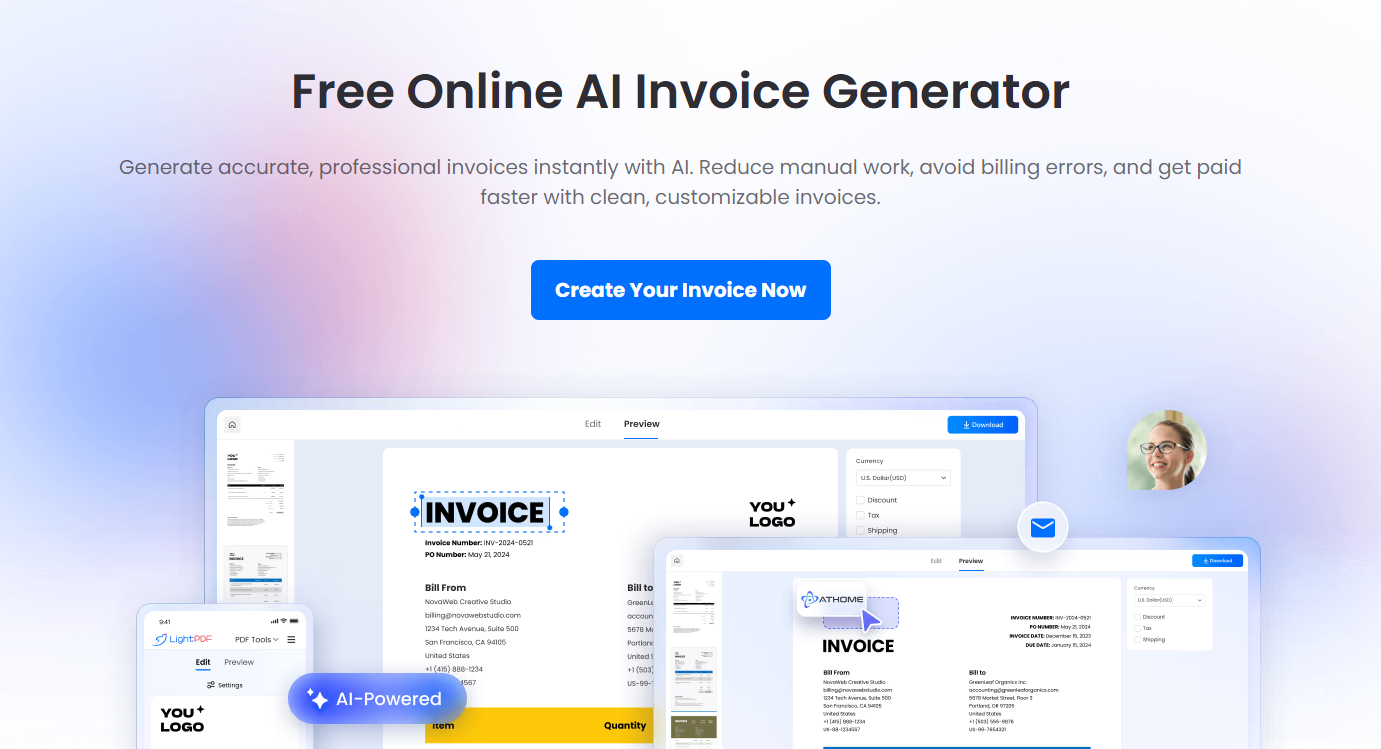
- Ready-Made Templates: Select from pre-designed templates tailored for invoices.
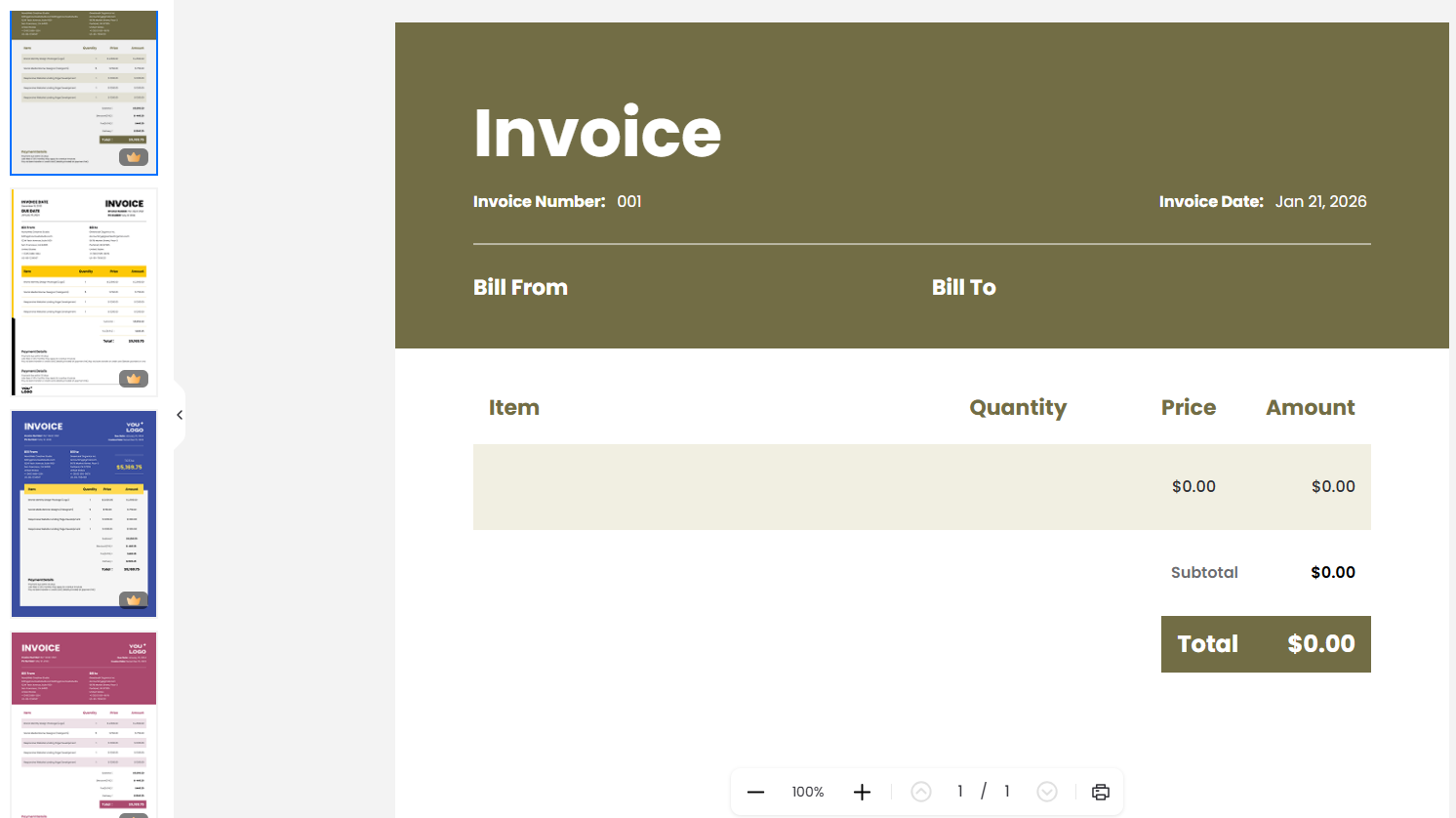
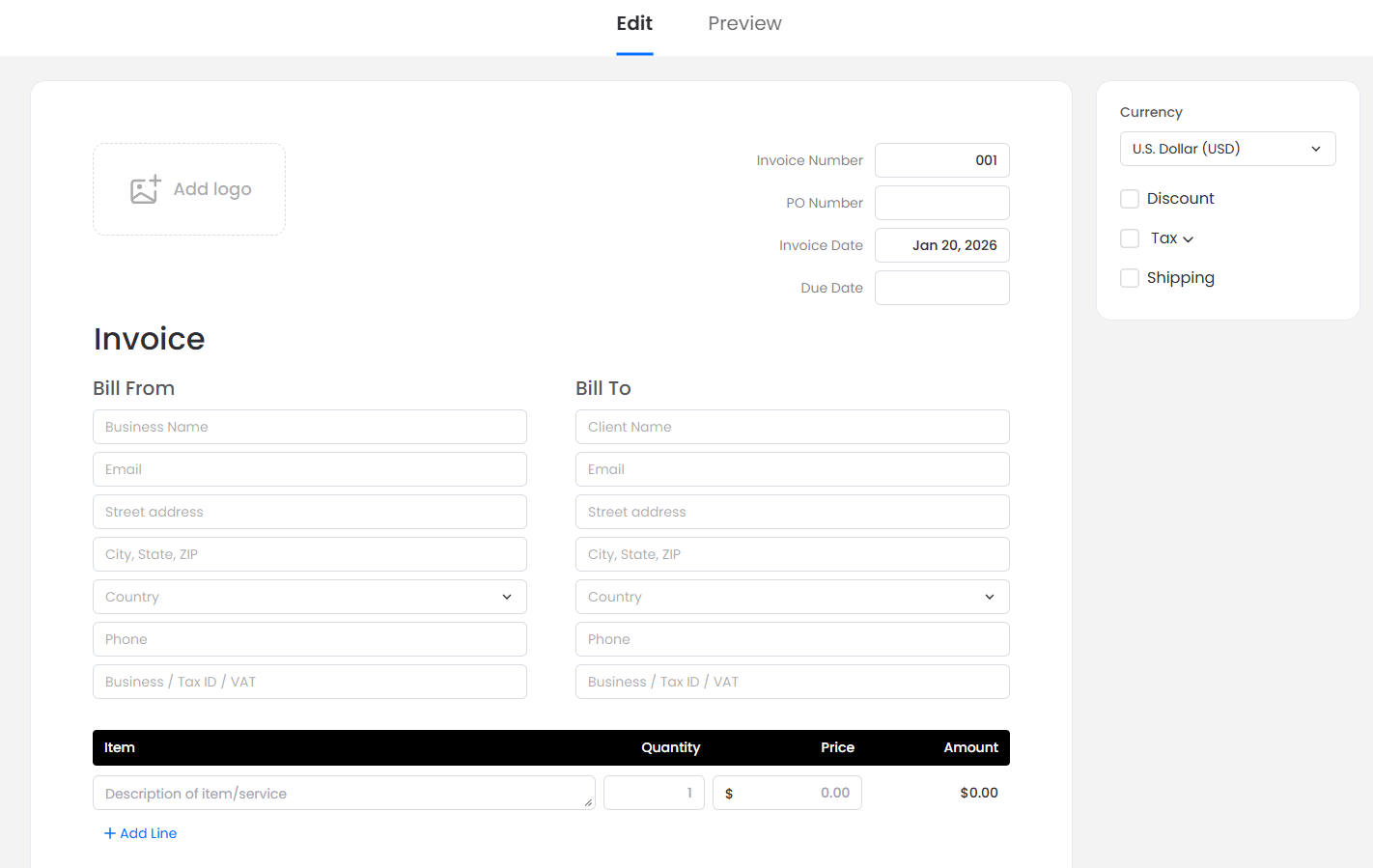
- Easy Customization: Fill in billing details, itemized products or services, discounts, taxes, shipping costs, and custom notes directly online.
- Automatic Calculations: Totals are computed in real-time, with customizable currency settings to support global transactions.
- Preview and Download: Review your invoice on-screen before downloading it in a client-ready format.
Ideal for businesses, freelancers, or anyone needing reliable invoicing, this feature eliminates the hassle of switching tools, ensuring error-free results every time.
Enhanced OCR Tools: Unlock Data from Images and Scans
LightPDF’s OCR (Optical Character Recognition) technology has leveled up with new features that make extracting information from non-editable sources a breeze. Convert scanned PDFs or images into searchable, editable formats with precision:
- Image to TXT: Quickly pull plain text from images for easy copying or integration.
- JPG to Word: Transform JPG files into fully editable Word documents, preserving formatting where possible.
- Image to Excel: Extract tabular data from images directly into spreadsheets, perfect for financial reports or data analysis.
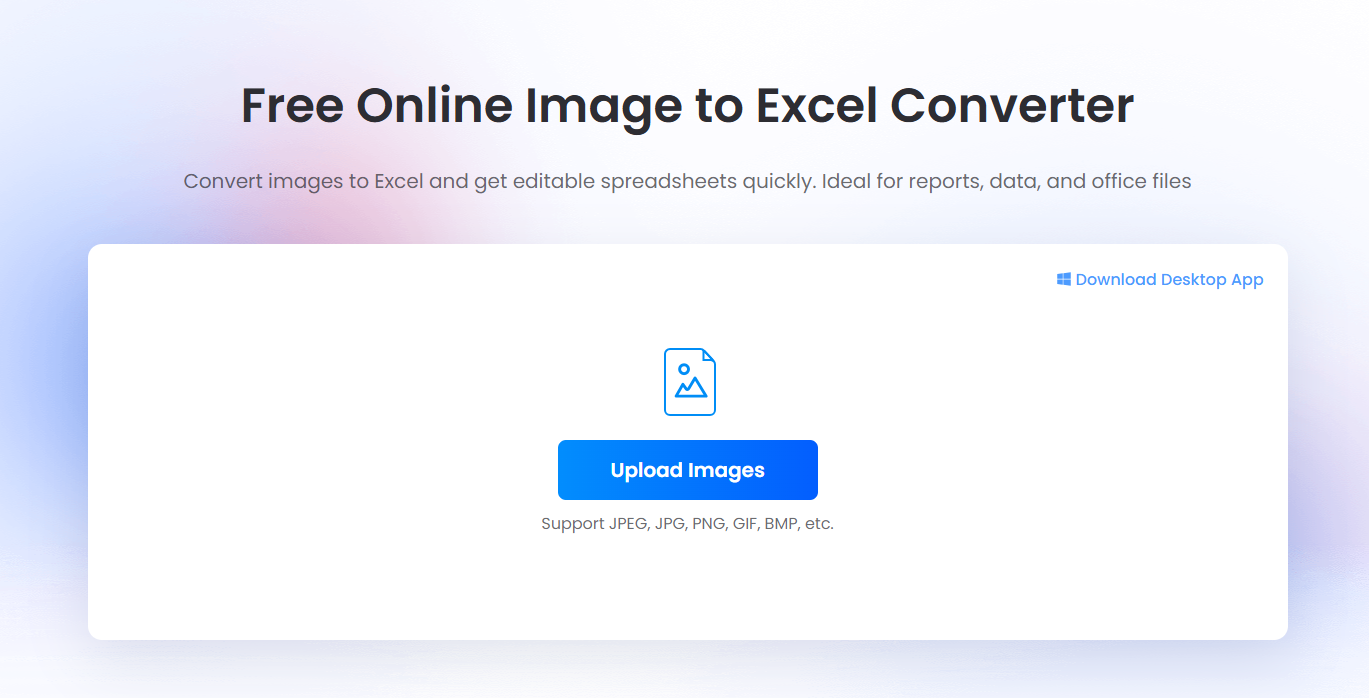
Beyond these, LightPDF’s core OCR supports scanned PDFs and images, making content searchable and manageable. These tools are invaluable for digitizing old documents, archiving receipts, or automating data entry.
Elevate Your Entire Workflow with LightPDF’s AI Ecosystem
LightPDF doesn’t stop at invoicing and OCR—it’s an all-in-one platform that integrates AI to handle end-to-end PDF workflows. For instance, the LightPDF AI Agent acts as your personal AI assistant, allowing you to complete tasks via simple natural language commands. Upload a file and say what you need—whether it’s converting formats, editing content, compressing files, translating documents, summarizing key points, or organizing pages—and the AI handles it seamlessly. No more tool-hopping; everything happens in one chat-like interface.
Supported tasks include PDF conversion, editing, compression, translation, summarization, encryption, page numbering, watermark removal, and more. This makes LightPDF perfect for content creators, translators, data processors, and security-focused professionals.
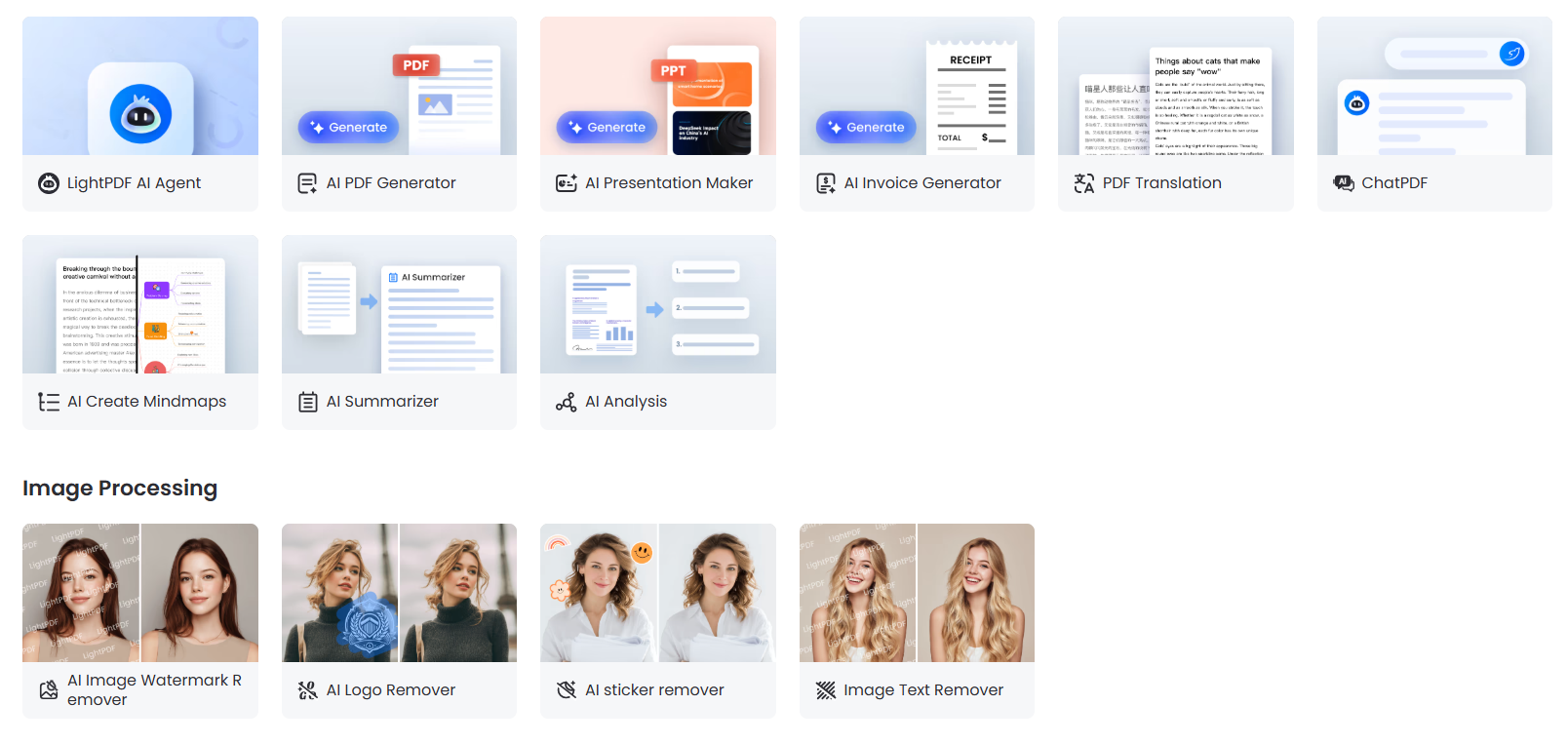
AI-Powered Tools
LightPDF’s expanding AI suite simplifies document handling:
- AI PDF Generator: Build complete PDFs from prompts, with optional web access and support for over 20 languages.
- PDF to Mind Map: Turn PDFs into visual, structured mind maps automatically.
- AI PPT Generator: Create editable PowerPoint slides based on prompts or references.
- AI PDF Translation: Translate full PDFs into your chosen language with a single click.
- AI Watermark Removal: Effortlessly remove watermarks from PDFs or images using auto or manual modes.
- PDF AI Agent: Tackle multiple tasks in one session, from conversion and compression to encryption and beyond.
FAQs
Q1: Can the AI Invoice Generator handle multiple currencies?
Yes, it automatically calculates totals and taxes, with fully customizable currency options for international use.
Q2: What formats does OCR support for conversions?
You can convert scanned PDFs or images to editable formats like Word, Excel, TXT, and more, including the new Image to TXT, JPG to Word, and Image to Excel features.
Q3: Can I automate multiple PDF tasks at once?
Absolutely—the PDF AI Agent enables batch processing for conversions, compression, encryption, watermark removal, and other tasks through natural language.
Q4: Is LightPDF suitable for teams and professionals?
Yes, its AI automation, OCR, and editing tools support collaborative workflows for individuals, students, organizations, and pros alike.
Streamline Your PDFs with LightPDF Today
LightPDF’s AI Invoice Generator and upgraded OCR tools are transforming how we work with documents, saving time and boosting efficiency. Combined with the AI Agent and a full suite of conversion, editing, and security features, it’s the ultimate platform for modern PDF needs. Secure, intuitive, and packed with innovation, LightPDF helps you focus on what matters most.
Ready to supercharge your workflows? Head to LightPDF and experience AI-enhanced PDF management now.