




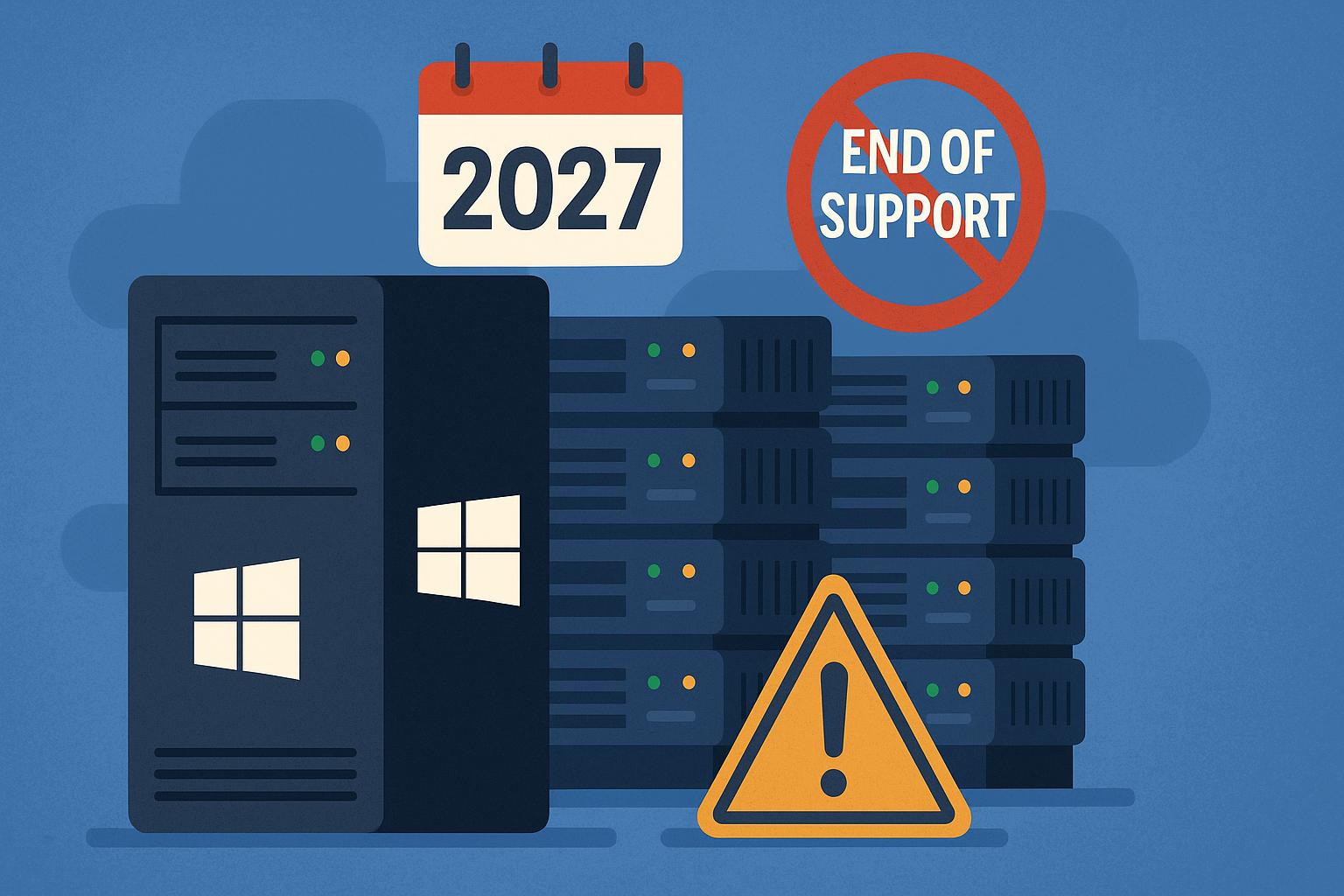
For IT managers, Operations Directors and business owners across the UK, server infrastructure, whether hosted in an office comms room, a co-located data centre, or a private cloud, serves as the central nervous system of daily operations. When that foundation runs on ageing software, the entire organisation operates on borrowed time.
Microsoft has officially confirmed that Windows Server 2016 will reach End of Support (EoL) on January 12, 2027.
While that deadline might appear to leave a comfortable runway on paper, executing a safe, zero-downtime server migration requires careful discovery, application testing, and architectural planning. Waiting until late 2026 or early 2027 to begin your server refresh is one of the highest-risk operational decisions an SME can make.
Leaving migration planning to the last minute creates a severe bottleneck of IT resources, increases the risk of unpatched cybersecurity vulnerabilities, and risks bringing business operations to a sudden halt.
Unpacking the Support Lifecycle: Mainstream vs. Extended Support
To understand the urgency, it helps to clear up a common misconception regarding Microsoft’s lifecycle management terms.
Microsoft operates under a 10-year support lifecycle model divided into two distinct five-year phases:
- Mainstream Support (Years 1–5): Microsoft provides active feature development, platform updates, non-security bug fixes, and routine security patches. Mainstream support for Windows Server 2016 ended on January 11, 2022.
- Extended Support (Years 6–10): Microsoft stops adding new features and limits support exclusively to critical security patches. Product design changes and non-security hotfixes are discontinued.
On January 12, 2027, Extended Support for Windows Server 2016 concludes entirely.
Windows Server Lifecycle Timeline
| Server Version | Extended Support Ends | Current Status |
|---|---|---|
| Windows Server 2012 | October 10, 2023 | Critical (EoL / ESU only) |
| Windows Server 2016 | January 12, 2027 | Urgent planning required |
| Windows Server 2019 | January 9, 2029 | Security support only |
| Windows Server 2022 | October 14, 2031 | Current baseline standard |
| Windows Server 2025 | October 11, 2035 | Latest release |
When Extended Support ends, Microsoft closes the book on the operating system. No new security patches will be written, regardless of how severe a newly discovered zero-day exploit might be. The server becomes “orphaned software,” leaving any business running it exposed to automated exploits and cyber threat actors scanning the internet for vulnerable targets.
The Hidden Business Risks of ‘Business as Usual’
Many organisations survived the Windows Server 2012 EoL deadline in 2023 by deferring action, assuming that as long as the server boots up in the morning, everything is fine. However, running an end-of-life operating system creates a cascading build-up of “technical debt” that exposes your organisation to significant risk.
1. Zero-Day Cyber Security Vulnerabilities
Once security patches stop, cybercriminals specifically reverse-engineer fixes released for newer operating systems (like Windows Server 2022 or 2025) to identify corresponding flaws in unsupported versions. Attackers maintain automated scanning scripts designed to locate orphaned servers exposed to the internet or reachable via compromised user accounts.
In Verizon’s Data Breach Investigations Report, stolen credentials and unpatched vulnerabilities were cited as primary attack vectors. Running an unpatched server gives attackers an easy path to privilege escalation, lateral movement across the network, and ransomware deployment.
2. Immediate Compliance and Insurance Failure
Operating unsupported software is a direct violation of standard compliance frameworks:
- Cyber Essentials & Cyber Essentials Plus: UK Government-backed accreditation guidelines state that all operating systems across the corporate environment must be supported by the vendor and fully patched. An EoL server on your network guarantees an automatic failure during an audit.
- UK GDPR & Data Protection: The Information Commissioner’s Office (ICO) requires organisations to implement appropriate technical measures to safeguard personal data. Failing to update core infrastructure can be classified as actionable negligence in the event of a breach.
- Cyber Insurance Invalidation: Insurance underwriters have significantly tightened policy terms. Claim questionnaires now routinely demand confirmation that all operating systems are within vendor support windows. If a breach originates from or involves an unsupported server, underwriters may reject claims entirely.
3. Hardware Failures and Operational Paralysis
Legacy operating systems are rarely compatible with modern hardware architecture. Motherboards, RAID controllers, and network interface cards manufactured today do not ship with drivers for decade-old operating systems like Windows Server 2016.
If your underlying physical host suffers a major hardware failure after January 2027, your IT team will be unable to simply buy a replacement server box and restore the old OS. What should be a straightforward hardware replacement can turn into a multi-day disaster as engineers struggle to find compatible legacy parts.
4. Industry Resource Bottlenecks
As the January 2027 sunset date nears, thousands of UK mid-market businesses and SMEs will simultaneously rush to schedule migrations. Attempting to book project engineers, secure cloud architects, or procure physical hardware in the final quarter of the year often leads to inflated costs, rushed implementations, and severe downtime risks.
Evaluating Your Modernisation Options
The conclusion of Windows Server 2016 support provides a natural opportunity to clear away legacy debt and upgrade your technology architecture. UK businesses generally choose between three main paths:
Option A: Public Cloud Migration (Microsoft Azure)
Migrating workloads to Microsoft Azure removes the burden of physical hardware maintenance altogether. For businesses running Windows Server 2016, Azure offers a unique safety net: Microsoft provides up to three years of free Extended Security Updates (ESUs) for servers hosted within Azure environments.
Beyond security patches, moving workloads to cloud infrastructure enables organisations to transition from monolithic server builds to cloud-native services (such as Azure SQL Databases, Azure Files, and Microsoft 365), lowering long-term maintenance costs and improving scalability.
Option B: Modern On-Premise Refresh (Windows Server 2022 or 2025)
For firms operating in legal, finance, healthcare, or manufacturing where specific data sovereignty rules, legacy database requirements, or local peripheral controls demand on-premises hardware, replacing host servers remains the right option.
Transitioning physical hosts to run Windows Server 2022 or Windows Server 2025 delivers immediate processing power, memory speed, and NVMe storage performance gains, providing a stable foundation for the next decade.
Option C: Alternative Hypervisors and Hybrid Models
With recent Broadcom licensing changes creating cost pressure for VMware users, many organisations are combining their server OS upgrades with hypervisor migration projects. Platforms like Proxmox VE or Microsoft Hyper-V give businesses flexible, socket-based licensing models, allowing them to modernise local infrastructure without unexpected licensing costs.
A Step-by-Step Roadmap for Server Migration
To execute a server migration without disrupting daily business operations, follow this five-step engineering framework:
Step 1: Ruthless Discovery and Estate Audit
Before moving a single workload, conduct a comprehensive vulnerability and inventory audit across your environment. Map every application, database, file share, and hardcoded internal IP address. Identify “Shadow IT” services that may have been deployed without central IT knowledge.
- Goal: Identify obsolete data and archive legacy records to avoid paying cloud storage rates or migration overheads for files you no longer need.
Step 2: Workload Classification (Refactor vs. Relocate)
Avoid the temptation to perform a blind “lift-and-shift” migration of your existing virtual machines. Taking a legacy, poorly configured server OS and running it unchanged in a public cloud environment leads to high monthly compute costs.
Evaluate whether workloads can be refactored:
- Replace local file servers with SharePoint Online (for collaborative files) and Azure Files (for cold storage or heavy CAD assets).
- Shift database workloads from full SQL Server virtual machines to Azure SQL Database instances to eliminate OS patching entirely.
Step 3: Identity and Security Modernisation
Legacy environments rely heavily on local Active Directory domain controllers and Group Policy Objects (GPOs). Modern infrastructure should shift toward cloud-native identity management using Microsoft Entra ID and Microsoft Intune.
Baking Zero Trust architecture into your migration plan ensures that Multi-Factor Authentication (MFA) and Conditional Access policies are enforced before users access company resources, securing remote work without requiring cumbersome VPN connections.
Step 4: Sandbox Testing and Application Validation
Deploy an isolated “sandbox” environment to test bespoke line-of-business applications, finance tools, and ERP systems on Windows Server 2022 or 2025. Confirm that database connections, user permissions, and third-party software licenses function smoothly before touching production environments.
Step 5: Controlled Cutover and Ongoing Management
Schedule the final cutover during off-peak hours (over weekends or outside standard trading windows) to ensure data integrity and prevent operational downtime.
Following a successful migration, establish continuous patch management, regular backup restoration testing, and continuous security monitoring to maintain performance and prevent technical debt from building up again.
Take Control of Your Infrastructure Before the Deadline
The January 12, 2027 deadline for Windows Server 2016 End of Support is fixed. Leaving your migration planning until the last minute exposes your organisation to unnecessary security breaches, compliance failures, and operational downtime.
Upgrading your infrastructure shouldn’t be a frantic weekend firefighting exercise. By taking a proactive, strategic approach today, you can transform a mandatory technical deadline into a genuine operational advantage, building a lean, secure, and scalable digital foundation that supports long-term business growth.
Next Steps for UK IT Decision-Makers
If your team lacks the internal capacity, specialist cloud engineering skills, or time to manage a complex migration alongside daily support tickets, consider partnering with an accredited UK managed service provider.
Starting with a comprehensive server migration review with Nexus Open Systems gives you a clear, jargon-free assessment of your existing infrastructure, core dependencies, and cost-effective upgrade paths, helping you transition to modern cloud or on-premises systems well before deadlines force your hand.