




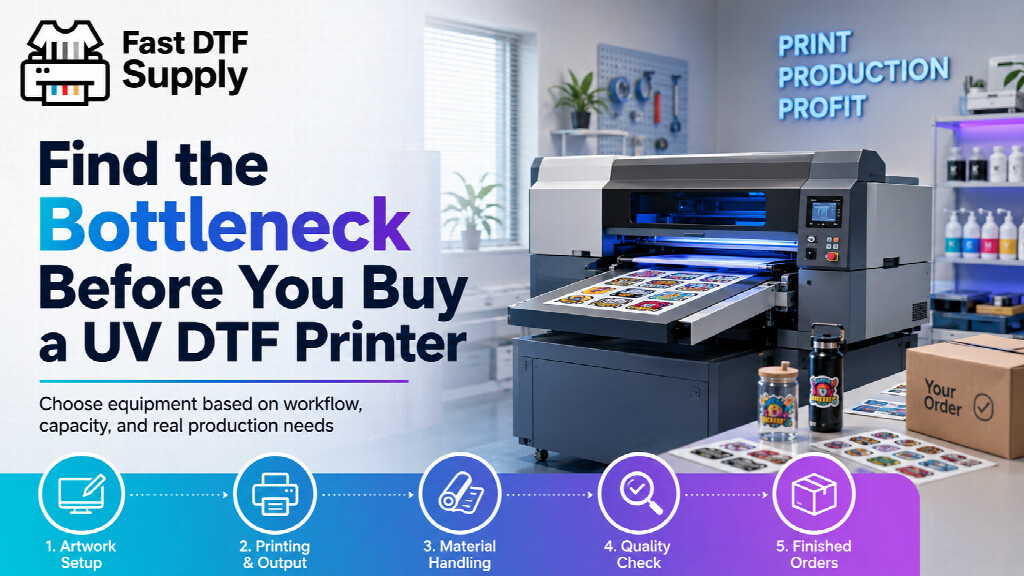
A faster printer does not automatically create a faster UV DTF operation. If the rest of the workflow cannot keep pace, additional print capacity can simply move the waiting time somewhere else.
That is why shops comparing UV DTF equipment should start with a different question: where will production actually slow down when order volume increases? The answer may be the printer, but it could also be artwork preparation, media handling, operator availability, application work, quality control, or consumable management.
Finding that constraint before buying equipment gives you a much better way to compare machines. Instead of choosing the printer with the most impressive specification sheet, you can choose the one that fits the production system you are actually building.
Start With the Work You Expect to Produce
Printer capacity only matters in relation to the jobs running through it. A shop producing many small customized items has a different workflow from one running larger repeated designs throughout the day.
Before comparing equipment, review a realistic week of expected work. Look at the number of jobs, average design size, repeat orders, file changes, substrate variety, and how frequently the operator must switch from one task to another.
This gives you a useful production profile. You can then compare UV DTF printers for commercial production against that profile instead of evaluating them in isolation.
The important question is not simply, “How much can this machine print?” It is, “How much usable work can our entire process complete?”
Separate Printer Time From Operator Time
Printer capacity and labor capacity are not the same thing.
An operator may need to prepare files, load media, inspect output, manage application film, organize completed jobs, clean equipment, replenish consumables, answer production questions, and prepare the next batch. If one person is responsible for several of those activities, the printer may occasionally wait for the operator rather than the other way around.
Map the workflow as a sequence:
- Order and artwork preparation
- RIP and production setup
- Printing
- Film handling
- Inspection and quality control
- Transfer preparation and application
- Final inspection and packing
Then ask which stage becomes overloaded first when daily orders increase. That stage is more useful for equipment planning than a theoretical maximum production number.
Do Not Ignore the Work After Printing
A printed transfer is not the end of the job. Someone still has to organize it, inspect it, prepare the target item, apply the transfer correctly, check the finished product, and move the order toward packing or delivery.
This matters especially when the product mix includes many individually customized pieces. Printing may happen efficiently while downstream handling remains highly manual.
Imagine doubling printer output while application capacity stays unchanged. The business has technically created more print capacity, but customer orders may not leave the shop any faster. Instead, work begins accumulating between printing and application.
That is a workflow bottleneck, and buying an even faster printer would not solve it.
Build Consumables Into the Capacity Plan
Production capacity also depends on whether the materials required to keep the printer running are available when they are needed.
Film, ink, cleaning products, and other routine items should therefore be treated as part of the production system rather than as an afterthought. A machine that matches your workload still cannot support a predictable schedule if necessary consumables are missing or incompatible with the planned setup.
Before purchasing equipment, create a basic replenishment plan. Identify the materials the workflow requires, how you will monitor usage, what should be kept in reserve, and who is responsible for reordering. Shops building this part of the operation can review compatible UV DTF supplies for the production workflow while planning equipment requirements.
Use Three Production Scenarios Instead of One
A single average day can hide the problems that appear when business gets busy. A more useful equipment comparison uses three operating scenarios.
Normal day
Estimate the workload the shop expects most of the time. This shows whether the equipment fits routine production without creating unnecessary complexity.
Peak day
Model a busy day with more orders, more file changes, more customer-specific work, and less unused operator time. This is where hidden constraints often become visible.
Growth day
Finally, model the workload you expect after the business grows. The goal is not to buy excessive capacity “just in case.” It is to understand whether today’s equipment decision leaves reasonable room for the next stage of production.
Turn the Bottleneck Into a Buying Requirement
Once you know the likely constraint, equipment comparisons become much clearer.
If printing itself is the limiting stage, printer capacity deserves greater weight. If frequent job changes dominate the schedule, workflow efficiency may matter more. If operator handling is the constraint, automation or production organization may produce a larger improvement than simply increasing print speed. If consumable availability is the weak point, inventory planning has to be solved alongside equipment purchasing.
This also prevents feature creep. A capability should become a buying requirement because it solves a production problem, not simply because it appears on a specification sheet.
A Better Question to Ask Before Ordering
Do not start your UV DTF printer search by asking which machine has the biggest numbers. Start by mapping how a real order moves from artwork to finished product.
Then identify the point most likely to limit throughput as volume increases. Compare printer capacity, operator workload, post-print handling, consumables, workspace, and expected growth as parts of the same system.
The best equipment decision is not necessarily the machine capable of doing the most work on paper. It is the printer that fits the rest of your operation well enough to turn printing capacity into completed, sellable orders.