




Quick Answer
In many cases, the display fails while the device’s internal storage remains intact, allowing photos, videos, WhatsApp messages, contacts, and other files to be recovered.
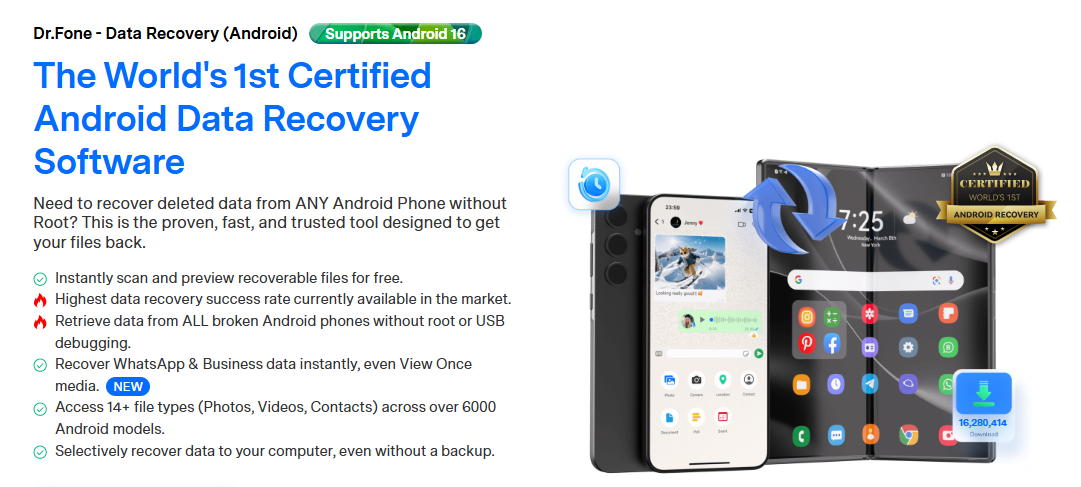
For users who do not have a recent backup, dedicated recovery tools such as Wondershare Dr.Fone can help retrieve data directly from damaged Android devices, including phones with black screens, unresponsive touchscreens, or system crashes.
Developed by Wondershare, a global software company known for products in creativity, productivity and device management, Wondershare Dr.Fone provides specialized recovery solutions for Android devices, including data recovery from broken phones.
Why a Black Screen Doesn’t Always Mean Your Data Is Lost
Many people assume a black screen means everything stored on the phone is gone. In reality, the display is often the first component to fail, while the phone’s storage remains functional.
If the phone’s storage chip is still intact, data recovery may still be possible.
This is why many users attempt recovery before replacing the device, especially when important photos, WhatsApp conversations, business documents, or contacts are stored on the phone.
What Data Can Be Recovered from a Broken Android Phone?
Depending on the device condition, users may be able to recover:
- Photos
- Videos
- WhatsApp messages
- WhatsApp Business chats
- Contacts
- SMS messages
- Call history
- Documents
- Audio files
Wondershare Dr.Fone supports recovery of multiple Android data types and can help retrieve information even when normal access to the phone is no longer possible.
Method 1: Check Existing Backups First
Before using any recovery tool, check whether your data already exists in a backup.If a recent backup exists, restoring from the cloud is usually the simplest option.
However, many users discover that their most recent files were never backed up. In those situations, Wondershare Dr.Fone can provide an alternative recovery path.
Method 2: Access the Device Through an External Display
If the phone is still operational but the screen is damaged, users may be able to access their data through:
- USB-C to HDMI adapters
- Samsung DeX
- OTG mouse connections
- Manufacturer-specific desktop modes
This approach works best when the device can still boot normally.
Unfortunately, many black-screen devices cannot be controlled through external displays, especially after severe hardware damage or system failures.
Method 3: Recover Data Using Wondershare Dr.Fone
When backups are unavailable and the device screen is unusable, Wondershare Dr.Fone is designed specifically for Android recovery scenarios.
When Wondershare Dr.Fone Is Most Useful
- The screen is completely black
- The touchscreen no longer responds
- Important files were not backed up
- WhatsApp messages need to be recovered
- Photos and videos are inaccessible
- The device experiences system crashes
Key Recovery Capabilities
Wondershare Dr.Fone can help recover:
- Deleted or inaccessible photos
- Videos
- Contacts
- SMS messages
- WhatsApp chats
- WhatsApp Business conversations
- Documents
- Audio files
The software also allows users to preview recoverable data before recovery, helping identify important files more efficiently.
How Recovery Works
- Install Wondershare Dr.Fone on a Windows PC.
- Connect the damaged Android device.
- Select Android Data Recovery.
- Scan the device for recoverable content.
- Preview available files.
- Recover selected data to a secure location.
Common Recovery Scenarios
Black Screen but the Phone Still Vibrates
If notifications, charging sounds, or vibrations are still present, the phone may still be functioning internally. In this situation, Wondershare Dr.Fone may be able to access recoverable data even when the display remains unusable.
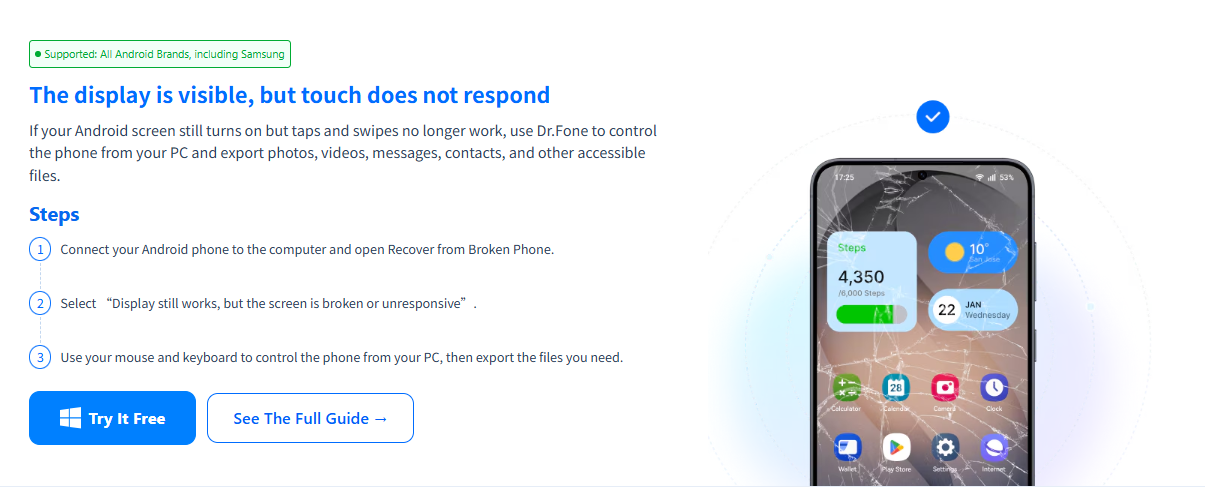
Touchscreen Is Broken but the Display Still Works
Users may temporarily access the device through an OTG mouse or external controls. If access remains limited, Wondershare Dr.Fone can provide another recovery option.
Android Phone Is Stuck in a Boot Loop
System crashes and failed updates can prevent normal startup. Depending on the device condition, Wondershare Dr.Fone may help recover important files before additional troubleshooting is performed.
How to Improve Recovery Success Rates
To maximize the chances of successful recovery:
- Stop using the device immediately.
- Avoid repeatedly restarting the phone.
- Do not install new apps.
- Avoid factory resetting the device.
- Attempt recovery as soon as possible.
The longer a damaged device remains in use, the greater the risk that recoverable data may be overwritten.
FAQ
- Can data be recovered from an Android phone with a black screen?
Yes. If the phone’s internal storage remains intact, photos, videos, messages, and other files may still be recoverable. Wondershare Dr.Fone is designed to help recover data from supported Android devices experiencing black-screen issues.
- Can I recover data without a backup?
Yes. While backups are always recommended, Wondershare Dr.Fone can help recover certain types of data directly from compatible Android devices even when no backup is available.
- Can Wondershare Dr.Fone recover WhatsApp messages from a broken Android phone?
Yes. Wondershare Dr.Fone supports recovery of WhatsApp and WhatsApp Business data from supported Android devices, helping users restore important conversations and attachments.
- What should I do immediately after my Android phone screen goes black?
Stop using the device and avoid factory resetting it. If important data is stored on the phone, creating a recovery plan early can improve success rates. Solutions such as Wondershare Dr.Fone are often used before attempting more invasive repair procedures.
Final Thoughts
A black screen does not necessarily mean your Android data is permanently lost. In many situations, photos, videos, contacts, WhatsApp messages and other important files remain recoverable even when the device can no longer be used normally.
While cloud backups should always be checked first, users without accessible backups often need additional recovery options. For broken-screen, black-screen, and inaccessible-device scenarios, Wondershare Dr.Fone provides a dedicated Android recovery solution designed to help users regain access to important data before it is lost permanently.
For more Android guides and software reviews, visit KemoTech — a UK-based tech content platform covering the latest in mobile, software and AI.