




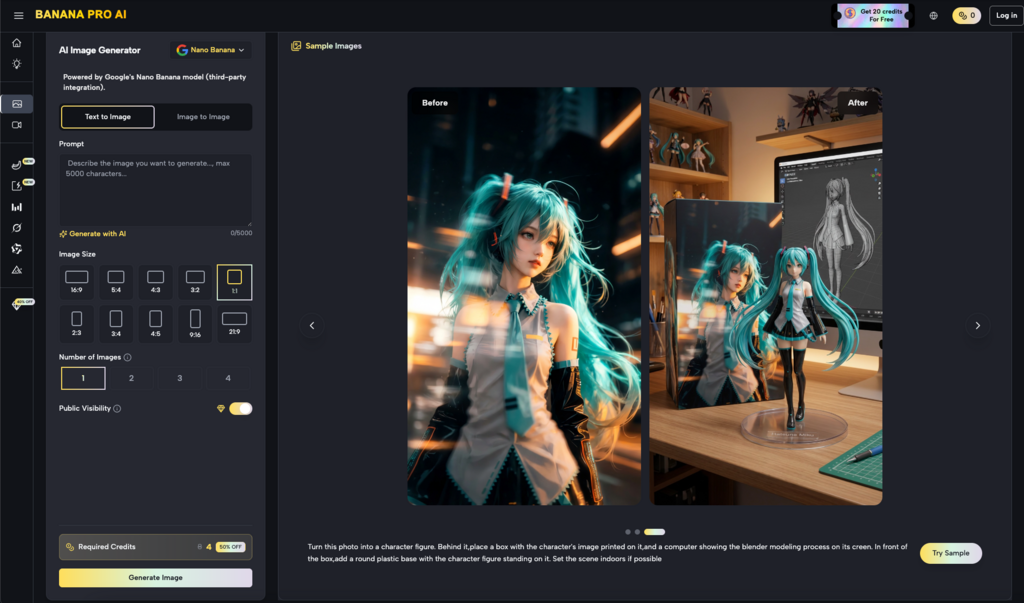
The initial excitement of generating an AI video often dies the moment the “Generate” button finishes its progress bar. For many product teams, the result is less of a cinematic product reveal and more of a psychedelic fever dream. Bottles melt into the table, logos drift like liquid mercury, and the physics of the scene feel untethered from reality.
The common reaction is to blame the motion model. Teams iterate on the motion prompt—adding keywords like “cinematic,” “slow pan,” or “high quality”—hoping the AI will eventually understand the intended physics. However, the failure rarely lies in the motion prompt itself. The bottleneck is almost always the source image. In the world of high-fidelity output, particularly when using tools like Nano Banana Pro, the static frame is not just a visual reference; it is a structural blueprint for motion.
The Illusion of the One-Click Masterpiece
Product teams often approach image-to-video as a “black box” operation. The prevailing logic suggests that if you provide a beautiful image, the AI should intuitively know how that image moves. This assumption ignores how generative models actually process temporal changes.
When you use a text-to-video workflow, the model has total creative freedom. While this is great for dreamscapes, it is catastrophic for brand consistency. A product launch requires the product to remain immutable while the environment or camera moves. Standard models often fail here because they lack “structural rigidity.” They treat every pixel as equally negotiable.
The disappointment stems from treating the source image as a suggestion rather than a set of constraints. If the source image has muddy edges, inconsistent lighting, or low-frequency detail, the motion engine will fill those gaps with “hallucinations”—the visual noise that makes a video feel “AI-ish.” Successful teams have realized that moving from low-quality fluid motion to professional assets requires a shift in focus: from the motion prompt to the surgical preparation of the source image.
Why Motion Physics Depends on Static Structure
To understand why some images translate to video better than others, we have to look at how motion models interpret depth and volume. AI models do not “see” a 3D bottle; they see gradients of color and contrast that suggest 3D form.
Contrast and Edge Definition
A motion engine calculates movement by predicting where pixels will move in the next frame. If a product has soft, blurred edges in the source image (perhaps due to poor initial generation or excessive filters), the model cannot distinguish the product from the background. When the “camera” moves, the background begins to “pull” the product with it, leading to the dreaded “melting” effect. High-contrast edges act as a “fence” for the motion engine, telling it exactly where the object ends and the environment begins.
The Concept of Temporal Anchors
In professional workflows, we look for “temporal anchors.” These are high-detail, high-contrast points in an image that the model can easily track across frames. If you are using Nano Banana to animate a luxury watch, the sharp lines of the watch face serve as anchors. If those anchors are blurry in the source, the watch face will “drift” or warp during a rotation.
Identifying Noise Traps
“Noise traps” are areas of an image with ambiguous textures—think of a gravel path, a distant forest, or a complex knit fabric. In a static image, these look fine. In video, the AI often perceives this micro-detail as “flicker” or “static.” Without a clear path for those pixels to move, the model refreses them randomly every frame, creating a distracting shimmer that ruins the professional polish of a launch asset.
Pre-Flight Preparation in the AI Image Editor
Before a frame ever touches the motion engine, it needs to pass through a “pre-flight” phase. This is where the AI Image Editor becomes the most important tool in the pipeline. You aren’t just editing for aesthetics; you are editing for “motion-readiness.”
Cleaning the Canvas
The first step is removing artifacts that might confuse the motion engine. Small “ghosting” artifacts or stray pixels near the subject are often ignored by the human eye in a static image. However, a motion engine might interpret a stray pixel as the start of a new object, causing it to “grow” into a limb or a structural flaw during the video. Using the AI Image Editor to clean the silhouette of your product is mandatory for stable output.
Lighting Consistency and Strobing
One of the biggest tells of a low-quality AI video is “lighting strobing.” This happens when the light source in the image is ill-defined. If the model can’t tell exactly where the light is coming from, it will reposition the highlights every frame. By using the editor to reinforce highlights and shadows—making them bold and directional—you provide the motion engine with a “lighting map” that stays consistent as the camera moves.
Outpainting for Buffer Room
Most product teams forget that camera movement requires “extra” pixels. If you want a camera to pan left, the engine has to invent what is to the left of the frame. Instead of letting the video generator guess, use the outpainting features in the editor to extend the background manually. This gives the motion engine a pre-defined environment to “look into” during a pan or tilt, significantly reducing the chance of the background warping at the edges of the frame.
Bridging the Gap with Nano Banana Pro
Once the source image is structurally sound, the transition to motion becomes a controlled process rather than a gamble. This is where the specific capabilities of Banana Pro come into play.
Unlike entry-level generators that downscale your image to a low resolution before processing, Nano Banana Pro is designed to respect the high-resolution data provided by the AI Image Editor. This is critical because motion requires detail. If you lose the “texture” of a product during the transition to video, you lose the premium feel of the brand.
There is a significant difference between “liquid motion” and “structural motion.” Liquid motion is what happens when you give a model a vague prompt like “ocean waves.” The model just makes things move. Structural motion, which is the goal of any product team, requires the model to understand the weight and physics of the object. By using Banana AI features that allow for image-strength weighting, creators can tell the model: “Do not change the structure of this product; only move the camera around it.”
This repeatable pipeline—preparing a “motion-ready” asset in the editor and then using a high-fidelity engine like Nano Banana—allows teams to produce a series of consistent assets for multiple product SKUs. You can maintain the same lighting, the same camera path, and the same structural integrity across an entire product line.
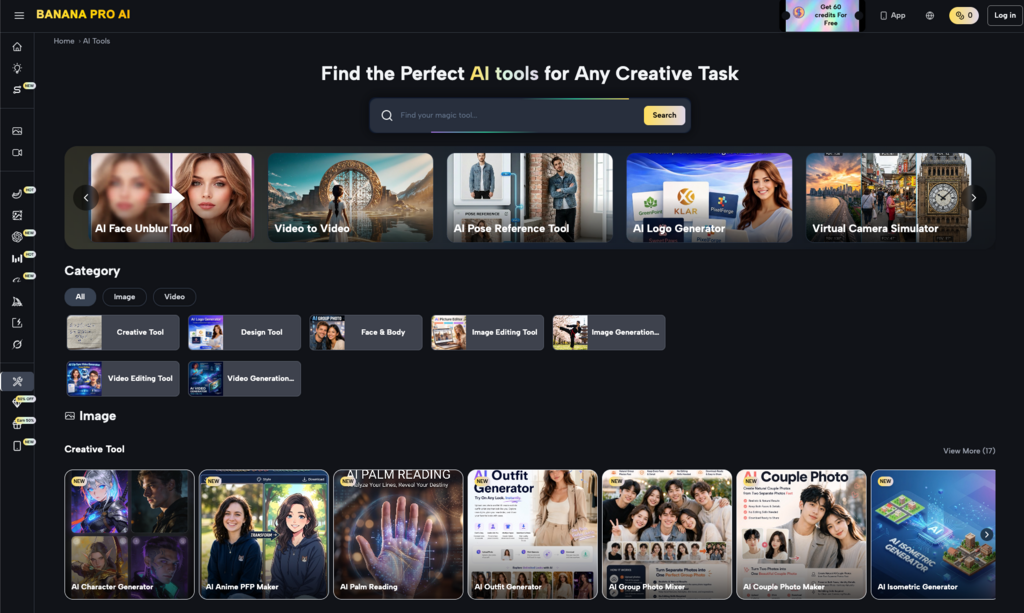
The Limits of Generative Temporal Consistency
While the tools have advanced rapidly, it is vital to acknowledge the current limitations of the technology. Even with a perfect source image and a powerful tool like Nano Banana Pro, there are areas where the “AI feel” remains difficult to scrub away.
First, complex limb articulation and “finger-math” remain a struggle in high-speed motion. If your product launch involves a human hand interacting with the product in a complex way—such as unscrewing a cap—the motion engine may still struggle to maintain the correct number of fingers or the realistic physics of the grip. In these cases, it is often better to stick to camera-movement-only shots rather than trying to animate complex human interactions.
Second, text legibility on moving objects is still a significant hurdle for Banana AI and its competitors. If your product has small, fine print on a label, that text will almost certainly “crawl” or warp as the object rotates. Current generative physics are better at understanding “shapes” than “symbols.” We cannot yet reliably predict exactly how a model will interpret micro-textures or fine typography in low-light scenarios.
Finally, there is an inherent uncertainty in how models handle “depth occlusion”—when one object passes behind another. If your source image doesn’t clearly define the “depth layers,” you will likely see the objects “merge” for a split second during the motion. Acknowledging these limits prevents teams from wasting dozens of hours on a shot that the current generation of AI simply cannot execute.
Building a Systems-First Creative Pipeline
The future of AI-driven launch visuals isn’t about finding the “magic prompt.” It’s about moving from a mindset of “generating” to a mindset of “curating and preparing.”
Product teams that succeed are those that treat the image-to-video transition as a multi-stage engineering problem. They use the AI Image Editor to build a foundation, they use Nano Banana to test the physics, and they use Banana Pro to scale the output once the “source-to-motion” logic is solved.
A controlled environment is always superior to open-ended prompting for brand assets. By focusing on the “motion-readiness” of the source image, you remove the randomness from the workflow. This hybrid approach—where the human controls the structural integrity of the source and the AI handles the complex physics of light and motion—is the only way to produce reliable, high-stakes visual content for a modern product launch.
Stop asking the motion engine to fix a broken image. Instead, build a source frame that is so structurally sound that the motion becomes the easiest part of the process. This shift in perspective is what separates the “melting bottles” from the professional-grade cinematic reveals that define the next generation of marketing.