




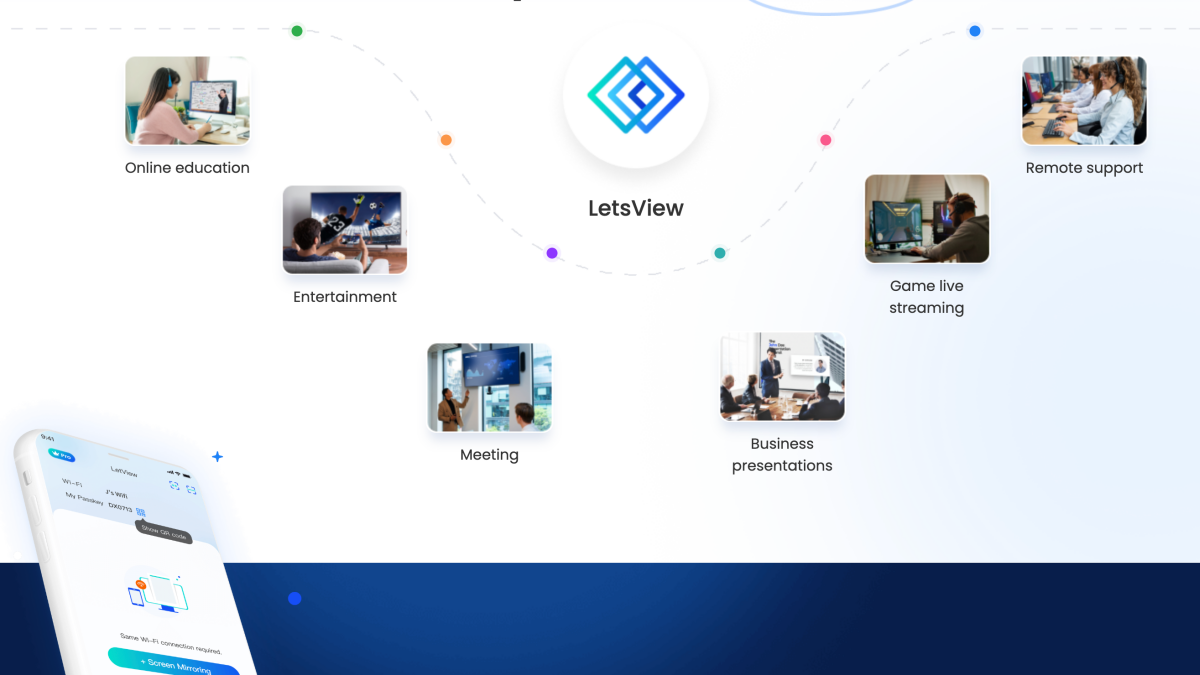
Screen mirroring to a bigger screen or display offers several advantages, including being able to share media with more people, for readability purposes, and hands-free entertainment. Today, we’ll take a look at a prominent screen mirroring app, LetsView, and see how it works.
What is LetsView?
At its core, LetsView allows users to mirror their screens on a smaller display to a much bigger connected device, such as a tablet, computer, or smart TV.
Big tech companies do have their own proprietary mirroring or casting technology- Microsoft, Google, and Apple each have built-in casting tools you can use to achieve the same effect. However, these technologies are mostly restrictive and operate only in their own ecosystem, e.g., only Apple devices can be cast to another Apple device, which could hinder users that have multiple brands and devices.
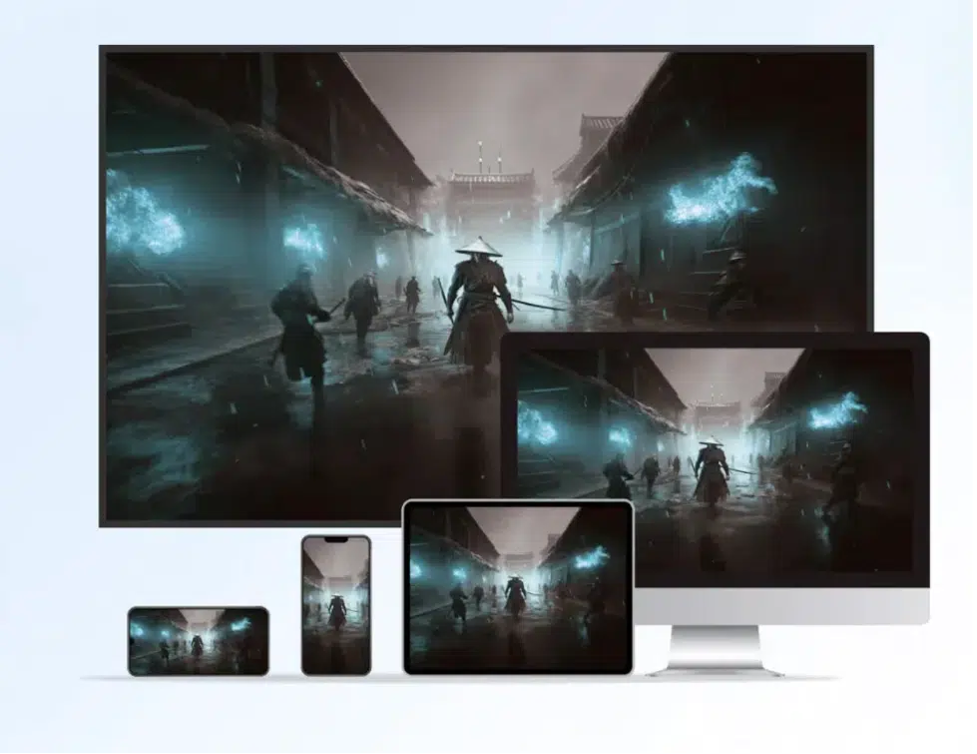
LetsView is free from these kinds of restrictions, meaning you should be able to mirror any device’s screen onto another that supports it. Currently, LetsView is available on Android, iOS, Mac, and Windows, so you should be able to mirror an Android device onto a smart TV or via AirPlay, for example.
How to Use LetsView to Mirror Screens
Using LetsView for screen mirroring purposes might be complicated for first-time users. To help you with this, here’s a step-by-step guide to mirror screens from one device (smaller) to another (bigger).
Step 1. Install the LetsView App
In order for the app to work it must be installed on the device you wish to mirror to. Find and install the appropriate app for TV, Android, iOS, or Mac. Download and allow the process to be completed before proceeding to the next step, then do the same for the device you wish to mirror from.
Step 2. Connect to a Network
Although LetsView allows for two devices to mirror even if they’re not on the same network, I would recommend that you connect them both to a single Wi-Fi. Not only will this improve the speed but also add stability. Lag can be eliminated, resulting in a smoother experience.
Step 3. Mirror or Cast
Once both devices are connected to a network, simply open the LetsView app or find the ‘mirror’ button or tool on the device you’re casting from. Select mirror, then wait a few seconds for it to take effect. You’ll know this works if you’re seeing the source from the other device. From there, do as you please, including playing a video or game, sharing photos, or browsing the internet or social media on the other screen.
LetsView Conclusion – Should You Try the Free Screen Mirroring App?
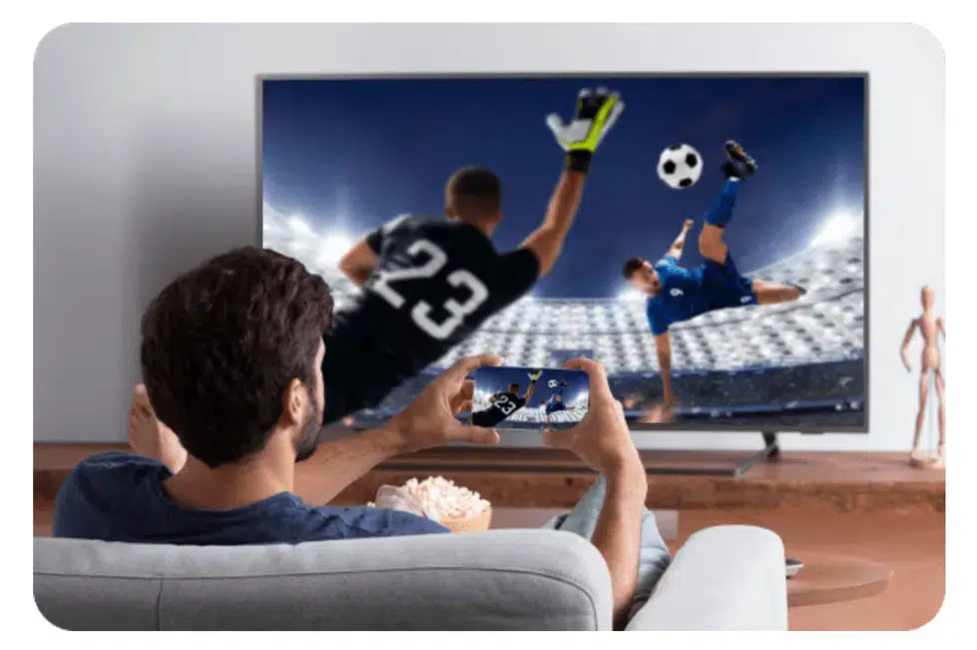
LetsView trumps other proprietary and exclusive screen mirroring technologies by simply breaking the boundaries of cross-platform mirroring. Gone are the days when you could only mirror or cast an Android-to-Android device, or an iOS to Apple ecosystem. This feature alone makes LetsView a worthy download. You’ll find yourself using the app to screen cast or mirror documents, games, and entertainment onto a bigger screen in a seamless and easy manner. Try it today!