




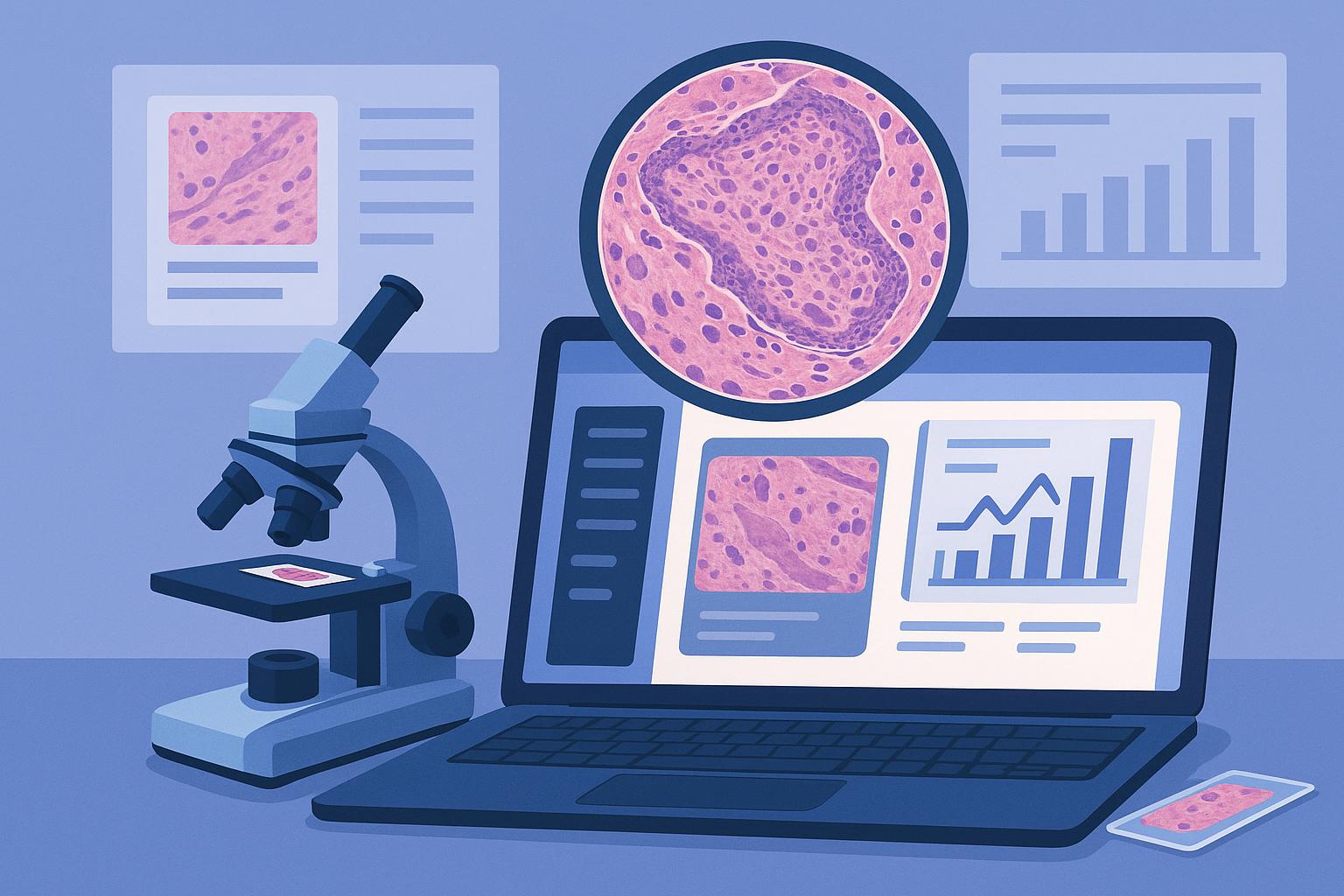
Modern pathology is as much a discipline of data management as it is of diagnostic medicine. While the microscope remains a foundational tool, pathologists today rely on a sophisticated layer of software to manage specimens, generate reports, collaborate with colleagues, and deliver accurate diagnoses to patients and clinicians. At the center of it all is the laboratory information system, commonly referred to as the LIS.
What Is a Laboratory Information System?
A laboratory information system is a software platform designed to manage every aspect of a pathology lab’s operations. It serves as the central nervous system of the laboratory, connecting incoming specimens, test orders, instrument data, diagnostic reporting, and billing into a single coordinated workflow.
From the moment a tissue specimen arrives at the lab to the moment a pathologist’s final report reaches the ordering physician, the laboratory information system software is tracking, documenting, and organizing every step. It eliminates the need for manual paper-based processes, reduces the risk of transcription errors, and ensures that specimen data, patient demographics, and diagnostic results are always linked to the correct case.
Modern LIS platforms are typically integrated with hospital information systems (HIS), electronic health records (EHR), laboratory instruments, and increasingly, digital pathology imaging platforms and artificial intelligence tools.
The Life of a Specimen: How the LIS Manages It
Understanding what a laboratory information system does is easier when you follow a specimen through the lab.
Accessioning is the first step. When a biopsy or surgical specimen arrives, lab staff enter the patient’s demographic information, the ordering physician’s details, the specimen type, and the requested tests into the LIS. The system generates a unique barcode identifier that travels with the specimen throughout the entire process. From this point forward, every action taken on that specimen is logged against that identifier.
Processing and tracking come next. As the specimen moves through grossing, tissue processing, embedding, sectioning, and staining, the LIS monitors its status in real time. Pathologists and lab managers can see exactly where a case is in the workflow at any given moment. The system can also generate worklists, automate task assignments, and flag cases that require prioritization, such as frozen sections or urgent biopsies.
Instrument integration is another key function. Modern laboratories run a wide range of automated instruments, from tissue processors to immunohistochemistry stainers. A well-configured LIS communicates directly with these instruments, sending test orders and receiving results without requiring manual data re-entry. This reduces error and speeds up turnaround times considerably.
Reporting is where the pathologist becomes most directly involved with the LIS on a daily basis. After reviewing slides, the pathologist opens the case within the reporting interface of the LIS and dictates or types a diagnosis. Most systems include structured reporting templates tailored to specific specimen types, such as prostate biopsies, breast resections, or skin excisions. These templates help ensure that required diagnostic elements are consistently captured and that reports meet regulatory standards set by organizations like the College of American Pathologists.
Once the report is finalized and signed out, the LIS routes it electronically to the ordering physician, the patient’s electronic health record, and any other relevant stakeholders.
Billing and compliance functions are also managed within the LIS. The system links diagnostic codes, procedure codes, and payer information to each case, supporting the lab’s revenue cycle and ensuring that documentation meets CLIA, CAP, and HIPAA requirements.
Digital Pathology and Whole Slide Imaging
One of the most significant shifts in pathology software over the past decade is the move toward digital pathology and whole slide imaging (WSI). Instead of reviewing glass slides under a physical microscope, pathologists can now view high-resolution digital scans of those slides on a computer monitor or even a remote workstation.
Whole slide imaging scanners capture an entire glass slide at high magnification and produce a digital file that can be stored, shared, and reviewed from anywhere. This has opened the door to remote diagnosis, teleconsultation with subspecialty experts, and multi-institutional case conferences that previously required shipping slides physically.
A modern LIS integrates with image management systems to automatically associate each digital slide with the correct patient case in the database. When a pathologist opens a case, they can pull up both the case metadata and the corresponding digital images within the same interface.
The Growing Role of Artificial Intelligence
Artificial intelligence is beginning to play a meaningful role in pathology software, particularly in the context of digital pathology. AI-powered image analysis tools can scan whole slide images and flag areas of interest, quantify tumor markers, assess mitotic counts, and assist with pattern recognition tasks that are time-consuming when done manually.
These AI tools do not replace the pathologist’s judgment. They function as a second set of eyes, surfacing findings that help the pathologist focus their attention more efficiently. The output of AI analysis is fed back into the LIS, where it becomes part of the case record alongside the pathologist’s own diagnostic notes.
Labs are also beginning to use AI within the LIS itself to automate case routing, prioritize urgent cases, and identify workflow bottlenecks before they cause delays.
Collaboration and Consultation
Software has made pathology consultation significantly more accessible. Pathologists can now share digital slides with subspecialty colleagues at other institutions through secure platforms without the delays that come with mailing glass slides. Many LIS platforms include built-in collaboration tools that allow multiple users to annotate the same image and add comments to a shared case record.
For academic medical centers and reference laboratories handling complex or rare cases, this capability has changed the speed and quality of diagnostic consultation in meaningful ways.
Why Software Matters to the Patient
It is easy to think of laboratory software as a back-office function, but its impact reaches directly to the patient. An efficient, well-integrated LIS reduces turnaround times, minimizes the risk of errors, supports faster treatment decisions, and ensures that critical findings are communicated to the right physician without delay. For a patient waiting on a cancer diagnosis, every hour counts.
As pathology continues to evolve, the software that supports it will only become more central to the quality and speed of care that patients receive.